42
GB
ASSEMBLING THE MICROWAVE OVEN
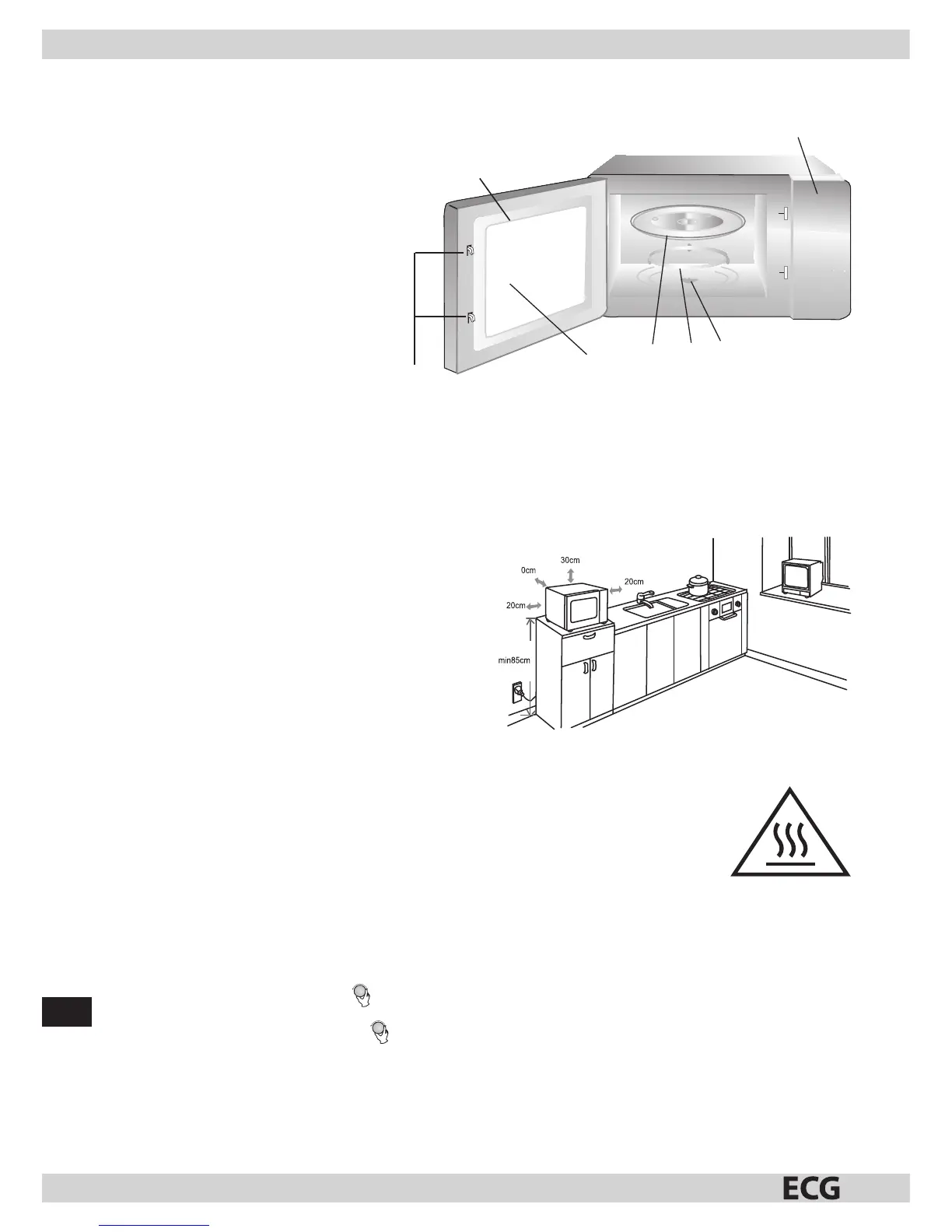
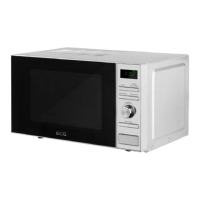
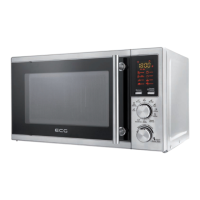
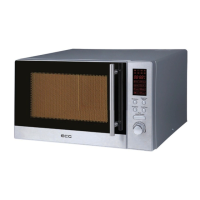
Parts and features
Unpack the oven and all accessories.
The oven comes with the following accessories:
Glass turntable 1
Assembled support 1
Operating manual 1
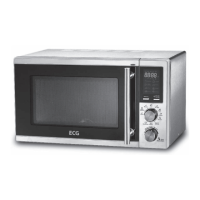
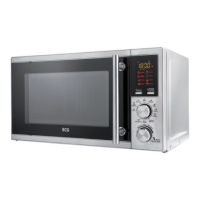
1. Control panel
2. Turntable spindle
3. Assembling the roller ring
4. Glass tray
5. Oven door window
6. Door assembly
7. Safety lock
INSTALLATION
Remove all packaging material and take out all accessories.
Make sure the oven is not damaged in any way (dented or damaged door etc.). Do not install the microwave oven if damaged.
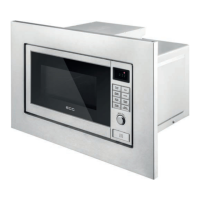
Kitchen counter worktop
Oven body: Remove all protective foil from the oven surface.
Do not remove the light brown foil, screwed to the inside of the oven. This foil protects the oven magnetron.
Installation
1. Place the oven on a at surface with asu cient amount of space
around the appliance to ensure the proper function of exhaust vents.
You can place the oven with rear to the wall.
a) Leave at east 30 cm of free space above the oven.
b) Do not remove oven legs.
c) Do not block exhaust vents. Blocking the exhaust vents could
cause damage.
d) Place the oven as far away from the radio or television as
possible.
The microwave oven can interfere with the television and radio
signal.
2. Connect the oven to astandard electricity network. Make sure the voltage and frequency on the oven label corresponds with the
network voltage and frequency.
ATTENTION: Do not install the oven above or near the kitchen stove, or near another source of heat. Placing the oven
by aheat source could damage the oven and result in losing the warranty. The microwave oven should be used in an
open space and should not be placed in acabinet.
The surface of the microwave oven can become hot during operation.
USING THE APPLIANCE
This microwave oven uses modern electronic controlling to con gure cooking parameters to better meet your needs.
Setting the time
When you plug in the microwave oven, the display shows “0:00” and you will hear an audio signal.
1. Press “CLOCK PRE-SET,” the display ashes the hour.
2. Set the hour by turning the control knob
in the 0-23 range.
3. Press “CLOCK PRE-SET,” the display ashes the minutes.
4. Set the minutes by turning the control knob
in the 0-59 range.
5. Press “CLOCK PRE-SET” to nish the clock setting. The colon between hours and minutes starts ashing.
Note:
1. If you do not set the clock of the appliance, the microwave oven will not show time after turning on and the timer will not work.
2. If you do not continue with the operation when setting the clock, for 1 minute, the microwave oven will return automatically to
previous state.
1
2
3
4
5
7
6
Hot surface!


 To Next Page