20
Installation Guide
20
tel - 1-866-766-2267
email - gmsupport@echomaster.com
Illustrations are typical and may not match exact vehicle detail
Module Assembly and Installation
FCTP-GM1903
Trailering Camera System
Step 1
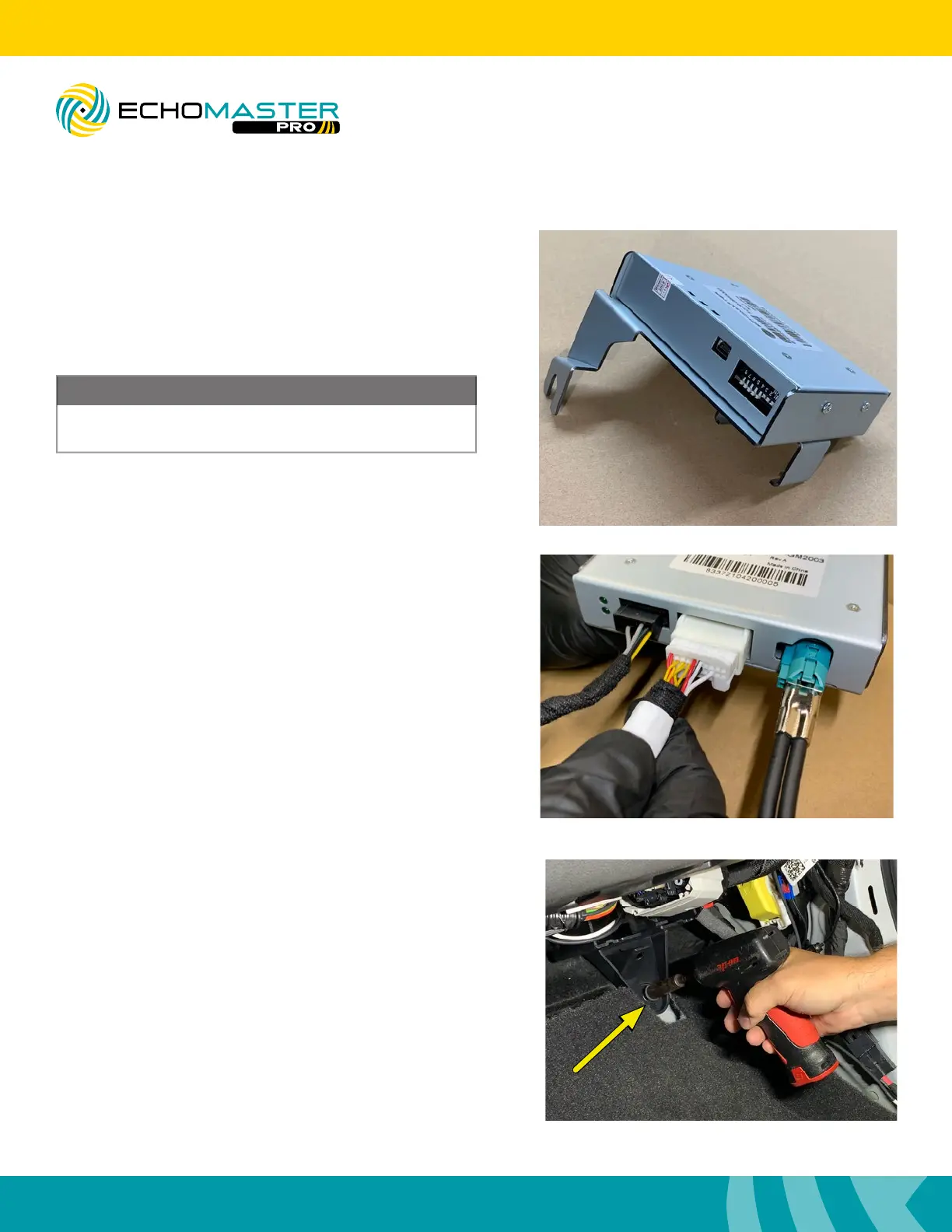
At this time, refer to page 4 and set the DIP switches
according to your install.
DIP switches must be set prior to connecting the module
to the vehicle.
NOTE
Step 2
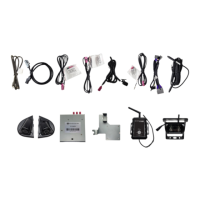
Connect the GMS3-PTH-HAR, GMS3-CEH-HAR &
GMS3-LVDS-HAR to the GMS3 module. Make certain all
connectors are fully seated before proceeding with the
install.
Step 3
Remove the 10mm retaining nut from the plastic bracket in
the passenger side kick area.



 To Next Page