Page 115
Control Other Devices with the Remote Controls
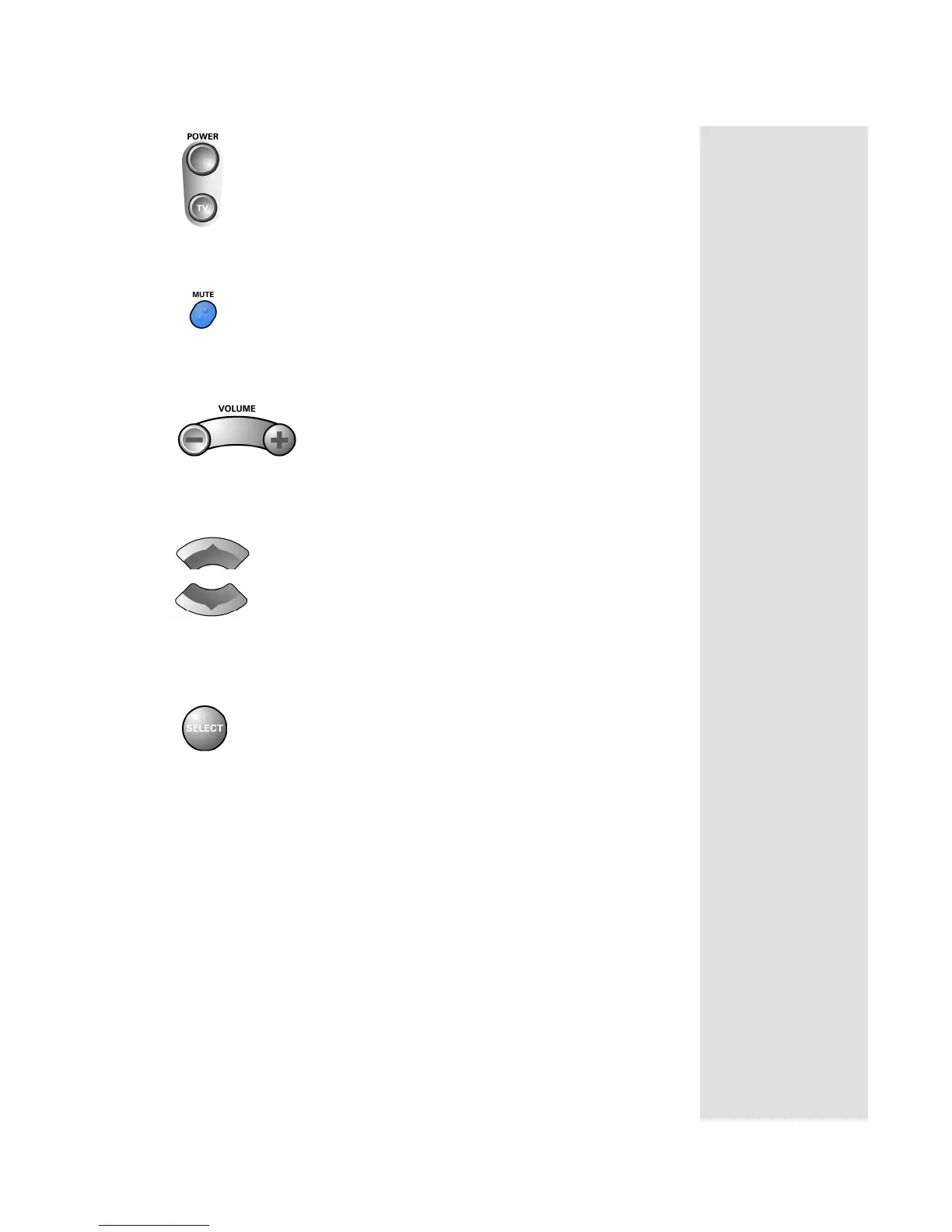
Power Button
Press the blank POWER button to turn the tuner or amplifier on or off.
Mute Button
Press the MUTE button to turn the sound off or on.
Volume Button
Press the VOLUME button to raise (+) or lower (-) the volume.
Up and Down Arrow Buttons
Use UP and DOWN ARROW buttons to change channels on the tuner or
amplifier.
Select Button
The SELECT button works as the INPUT SELECT button for the tuner or
amplifier.



 To Next Page