Chapter 3
Page 54
Using the System
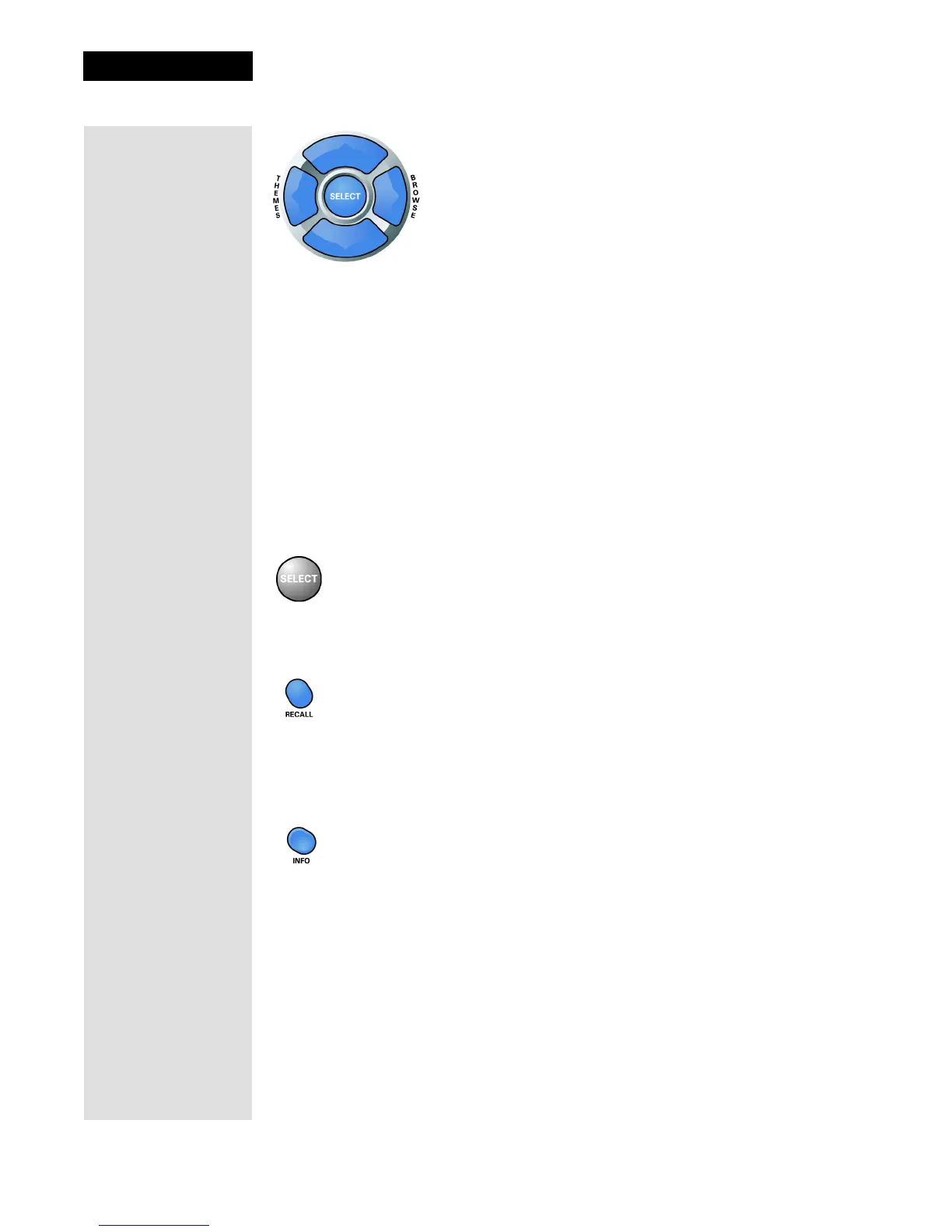
Arrow Buttons
• Change channels while watching TV - Press the UP and DOWN ARROW
buttons.
• Open the
Browse Banner - Press the RIGHT ARROW button.
•Show
Themes - Press the LEFT ARROW button.
• Move around within the
Program Guide, menus, and Browse Banner -
Press the UP, DOWN, LEFT, and RIGHT ARROW buttons.
• Delete - Press the LEFT ARROW button to delete characters while using
Search. See page 91 for instructions.
Select Button
Press the SELECT button to select the option you highlight in a menu.
Recall Button
Press the RECALL button to go back to the last satellite receiver channel you
were watching. Press it again to switch between the last two satellite receiver
channels you were watching.
Info Button
• Program information - Press the INFO button for more information when
you watch a program, or when you have the
Program Guide, Browse
Banner
, or Themes list open.
• Help - Press the INFO button to see help information when a
Help button
appears in a menu.



 To Next Page