Chapter 3
Page 74
Using the System
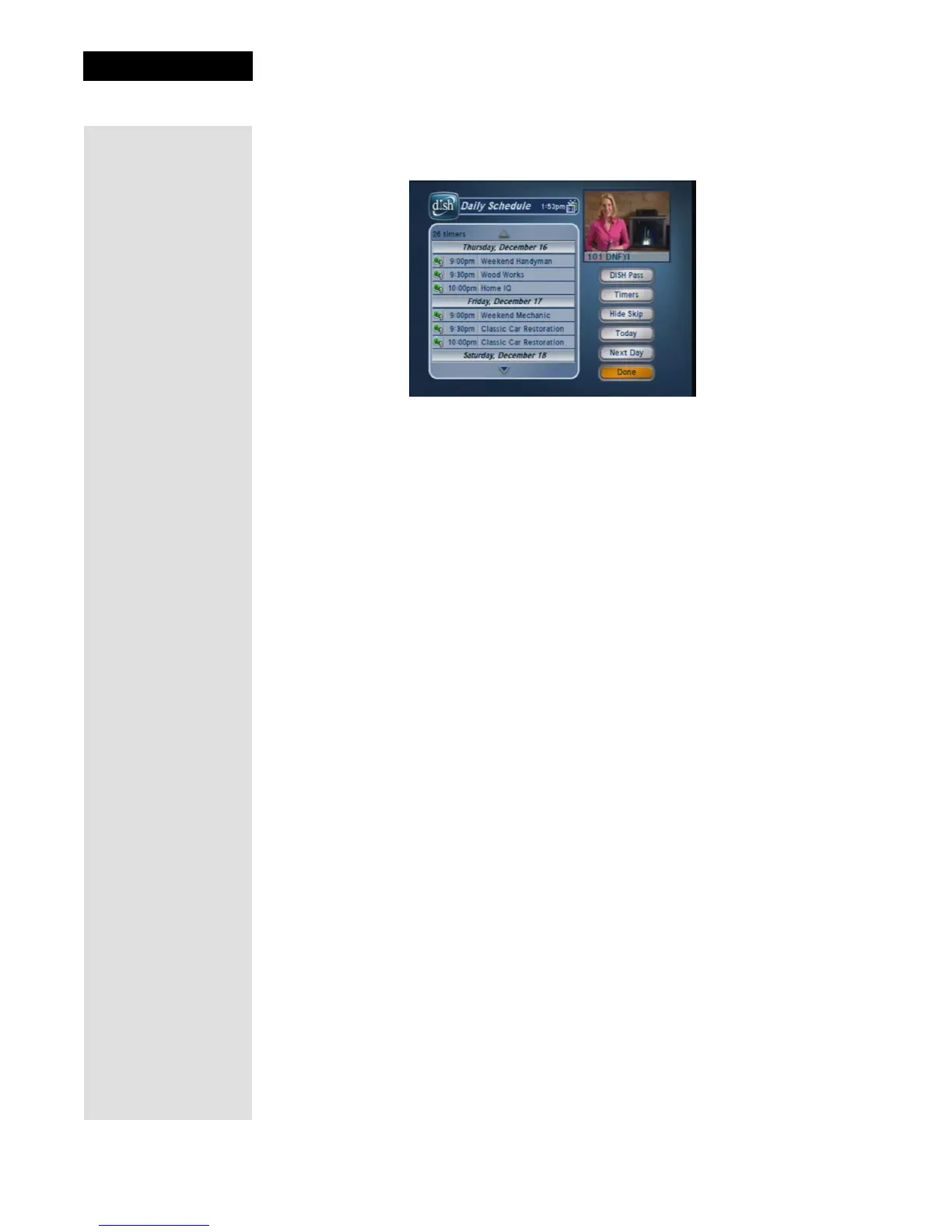
Using the Daily Schedule
Use the Daily Schedule to plan and manage your timers.
1. Press MENU-7.
2. Use the ARROWS to select a future program if you want to skip or restore
a timer. You can also choose to protect it, or view the start early/end late
settings.
• To change the start early/end late setting, you must select the event
within the
Timers List.
• If the program is a
DISH Pass timer, you cannot change the start early
or end late times on an individual program; it must be changed on the
DISH Pass timer, from the Timers List.
• Press PAGE UP to see the previous days' timers. Review these timers if
you want to see the result of your timers (e.g. if it recorded successfully
or why it might have been skipped).
3. Select
Done.



 To Next Page