Page 13
Quick Tour of the Menus
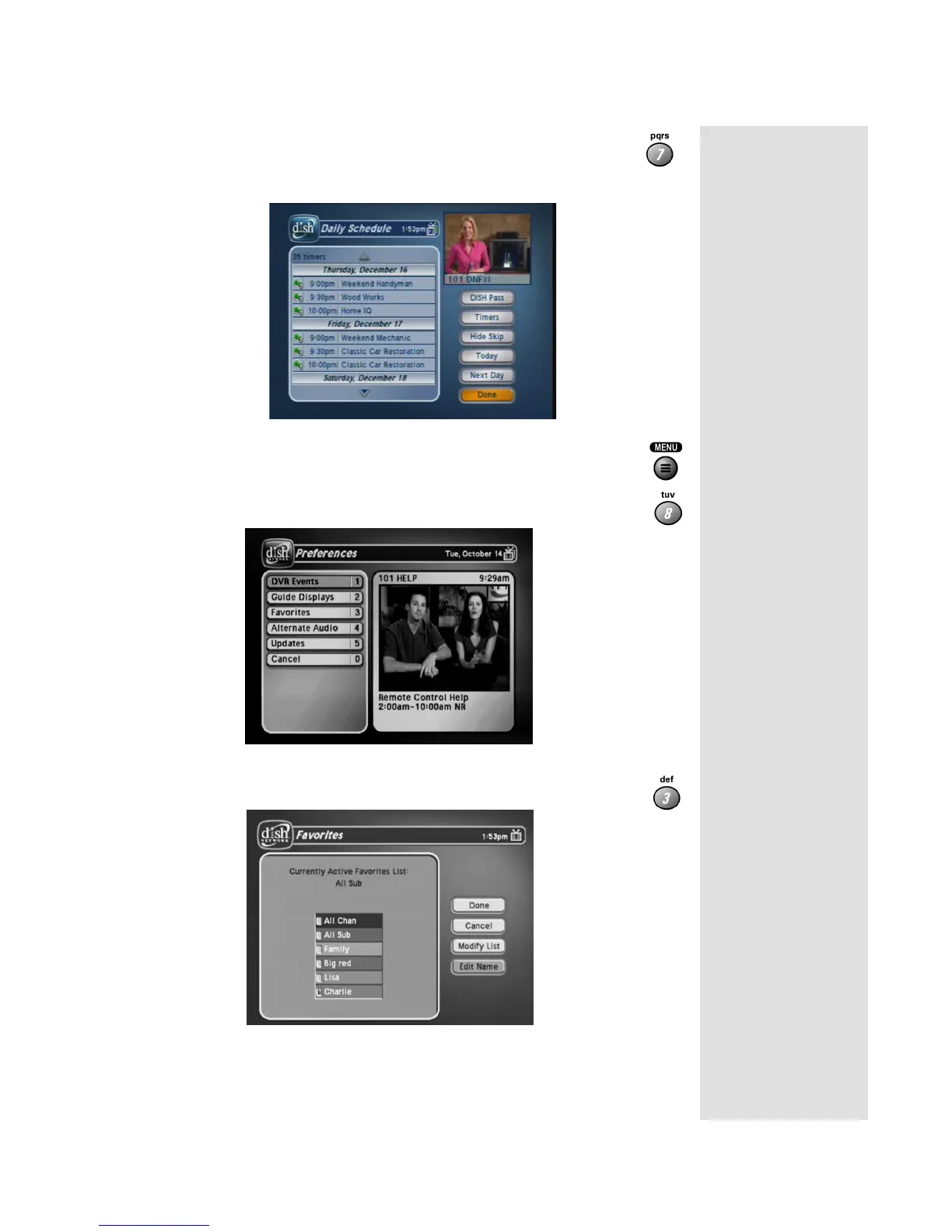
14. Press the 7 button to select the Daily Schedule option on the
Main Menu. The Daily Schedule lists the timers that are
planned for today, the future (up to nine days), and those that
occurred in the recent past.
15. Press MENU to go back to the Main Menu.
16. Press the 8 button to open the
Preferences menu. This menu
allows you to set up your receiver to make it easier to use.
17. Press 3 to open the
Favorites menu. This menu lets you to set up
lists of your favorite channels.
18. Press MENU to go back to the
Main Menu.



 To Next Page