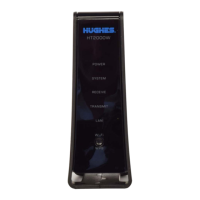
How do I manage my built-in WiFi?
Once the modem has finished installation, we suggest you access the modem’s
WiFi Settings to customize your service. If you had custom settings on your old
modem, you can use this to set up the new modem the same way. To do this:
1. Type 192.168.0.1 into a web browser on any device connected directly to
your HT2000W or HT2010W.
2. Click the WiFi Settings link in the side panel as shown below:
Figure 5: WiFi Settings side panel link
3. Enter the default administrative password: “admin”
4. Click the LOGIN button. Once you have logged in, you will see the WiFi
Settings home screen, as shown below:
Figure 6: WiFi Settings home screen


 To Next Page
 Loading...