Quick Overview
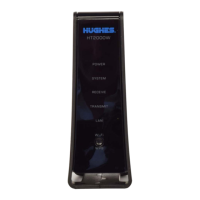
The new HT2000W and HT2010W Wi-Fi modems come with new
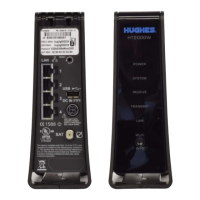
network SSIDs and passwords. They are on the back of the modems.
Disconnect your old modem and connect the new modem.
Power the HT2000W or HT2010W on and allow up to 1 hour to
activate. Once all LED lights are on, connect your device (laptop, smart
phone, etc.) to test the Internet connection.
If your old modem is an HT2000W or HT2010W, please use the box
from the new modem to ship it back to Hughes.
Take the prepaid UPS shipping label from the packing slip on the box
and stick it over the old shipping label. Contact UPS to pick the
package up to return to Hughes.
If you are unable to return the old modem, it may result in
Unreturned Equipment Fees on your account.
Do not return an HT1000 or HT1100 to Hughes. Please follow your
local waste management guidelines for disposing electronic
equipment. (See page 12)


 To Next Page
 Loading...