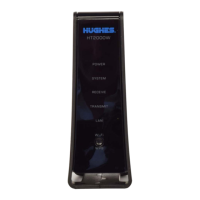
Disconnect old modem and old power supply
Note: The modem does not have a power (off-on) switch.
1. Unplug the power plug from the power outlet first (circled) to avoid static
electricity discharges that could shock you and/or damage the modem.
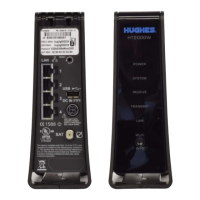
2. Disconnect the remaining cables as shown in Figure 1. Use the diagram
that corresponds to your modem.
Figure 1: Disconnecting cables from the old modem
*ATA is an option for HughesNet Voice customers.
and
and


 To Next Page
 Loading...