50
Configuring the filters and the equalizers
All filter and equalizer configuration parameters can be easily adjusted from the dp:lab software for later
uploading to the DP300 unit.
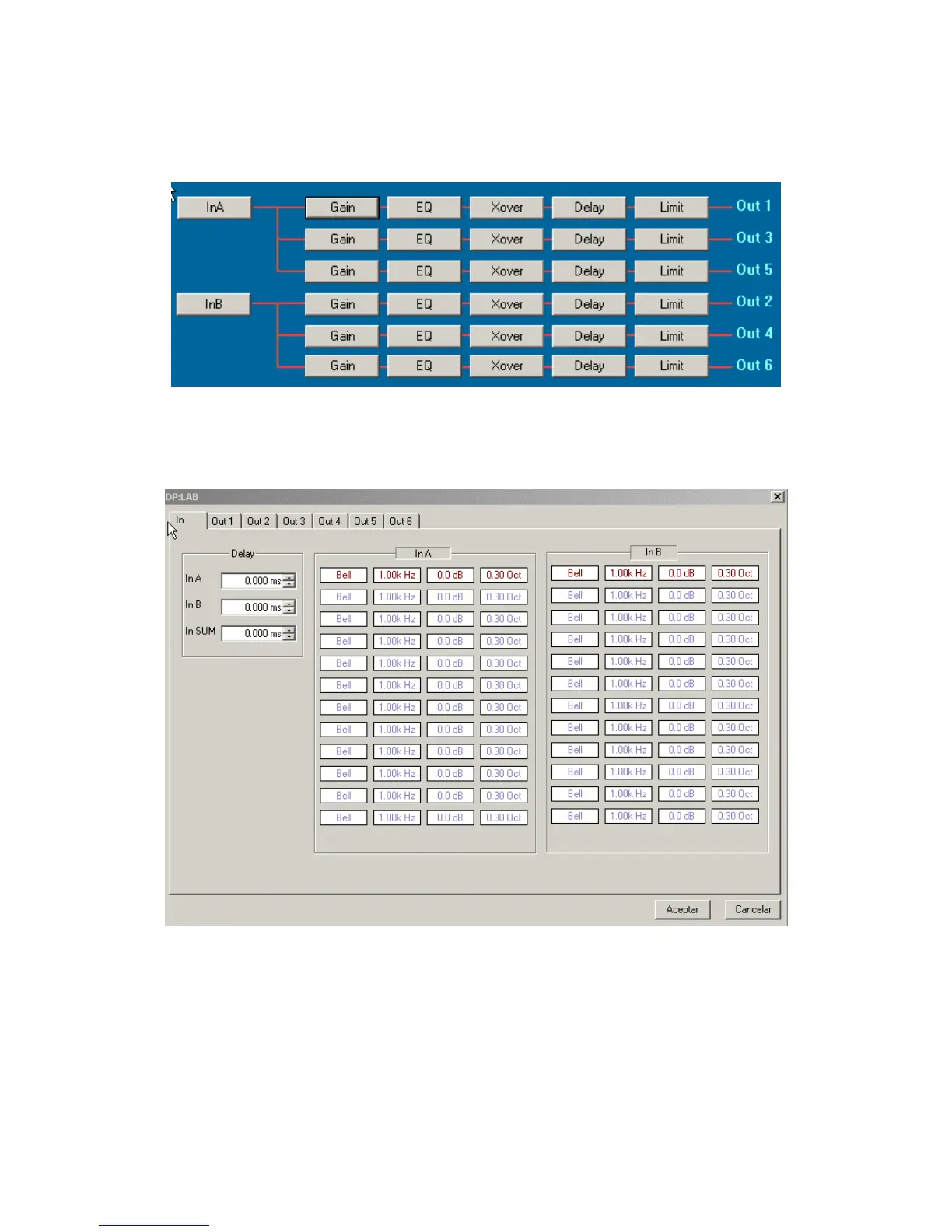
The process is started from the dp:lab main screen:
To access the configuration screen, click on the input or output to be set up and following tabbed screen
appears, giving access to all individual settings of that input or output. Clicking on InA or InB shows
following window:
Clicking on the corresponding tab, access is given to all parameters of that particular input or output.



 To Next Page