8
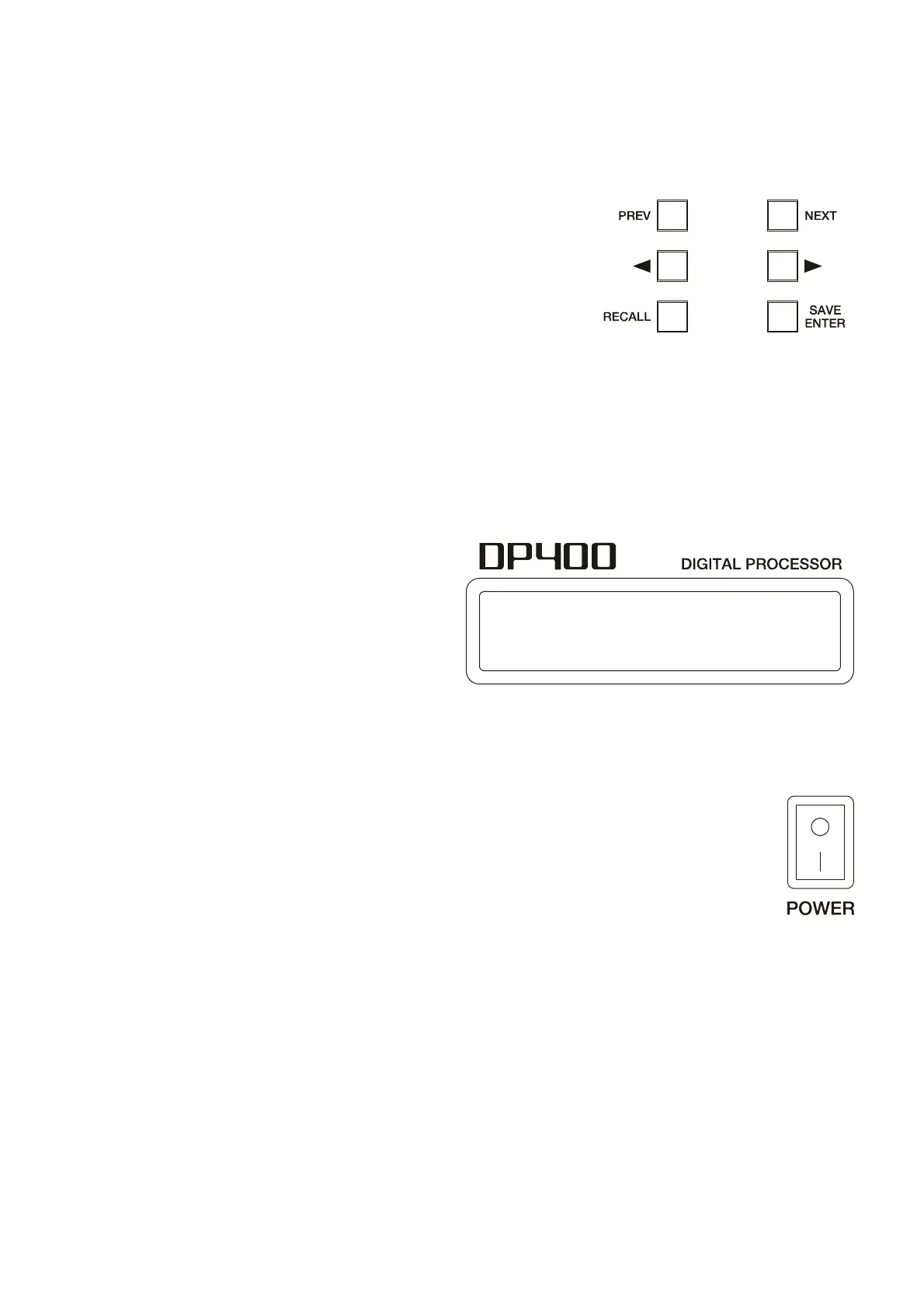
PREVIOUS and NEXT keys
By pressing these keys, individual settings of a certain menu item chosen by pressing the
encoder can be accessed. Example: If you are in the PROGRAM screen, PREVIOUS and NEXT will
lead you to the individual adjustable parameters inside the PROGRAM menu.
◄ and ► keys
These buttons are used to set the selected parameter shown
on the screen reached by pressing PREVIOUS or NEXT. Once you
have selected the adjustment, use the ENCODER to perform
numeric adjustments on the parameter in question.
SAVE/ENTER key
This key is used to store new programs to the internal memory of the device. The ENTER key is
also used to confirm certain actions.
RECALL Key
Press this button whenever you wish to recall a previously saved program from the internal
memory of the DP400. To recall a program stored in memory, first press RECALL and then select the
desired program using the ENCODER. Once selected, press ENTER.
LCD Display
The blue backlit LCD features two rows of
20 characters.
The upper left part shows the input (IN) or
output (OUT) channel currently being
edited.
The upper right part and lower part shows the value associated with the parameter selected in
the input or output currently being edited.
Also, when any modification to the current program has been made, an asterisk will appear on
the LCD screen.
ON-OFF switch
Simply turns on or off the unit. Please ensure the correct electrical installation before
switching ON the system.



 To Next Page