13
MUSIC
Music mode allows you to listen to your audio les loaded
on the player. Connect your wired listening devices to the
headphone jack. Compatible with MP3 and WAV formats.
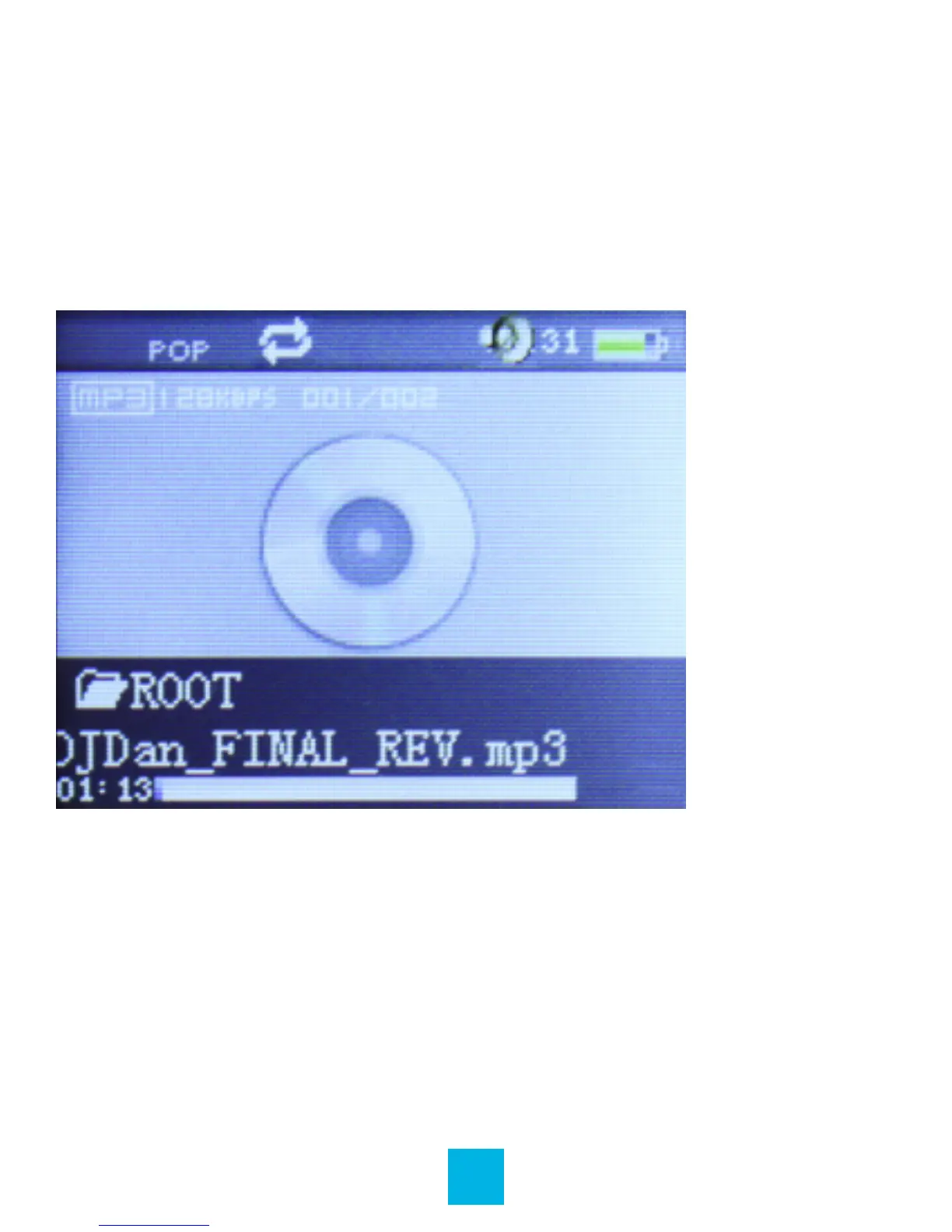
Main Interface
Music Playback
When you enter Music mode, the most recent track will begin
playing immediately.
Play / Pause: Press Play button / Press again to pause.
Previous: Press – to skip to previous song.
Next: Press + to skip to next song.



 To Next Page