19
PEDOMETER
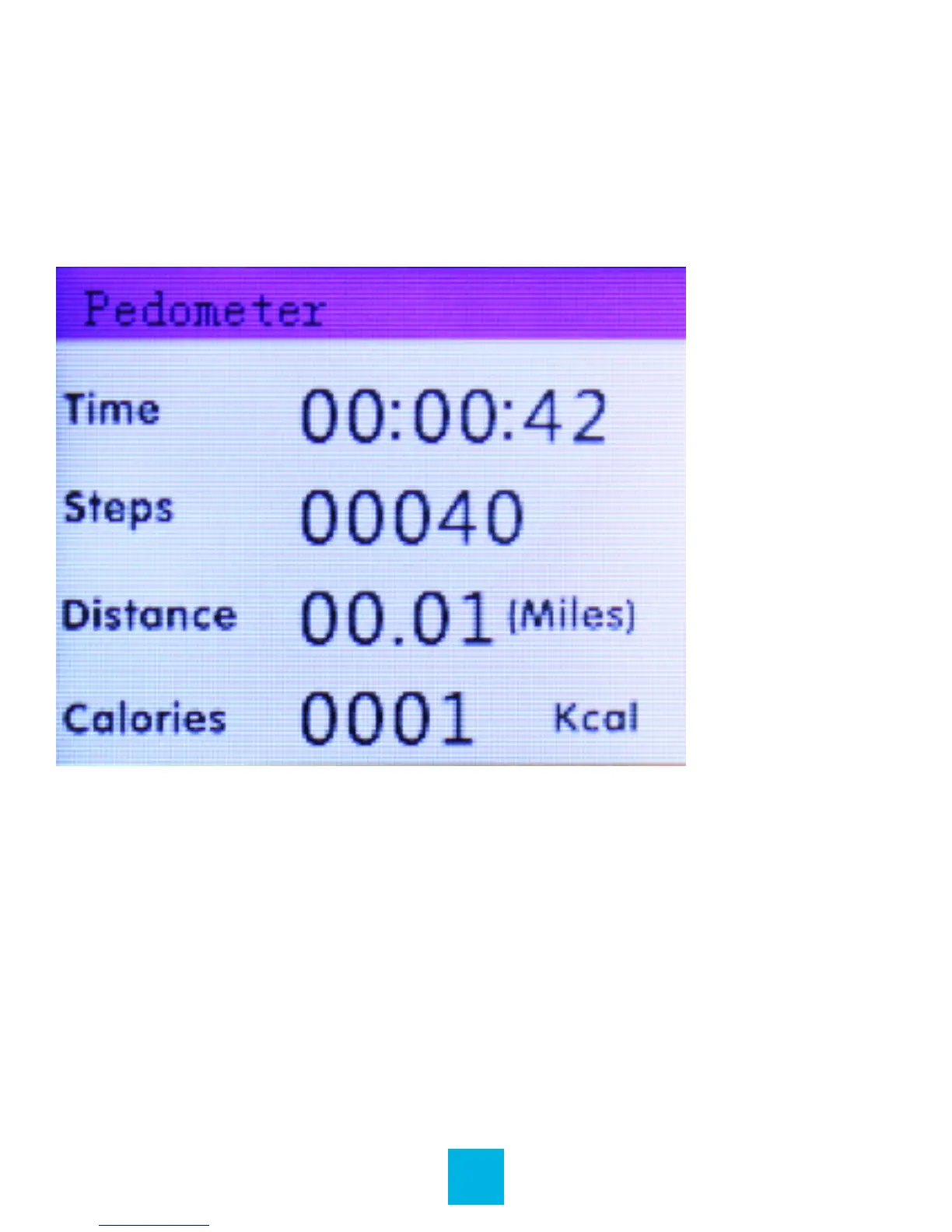
Your device includes a pedometer to record the time, number
of steps, distance, and calories you expend while walking.
Main Interface
Pedometer Settings
For the most accurate data, enter this information.
From the Pedometer menu:
1. Press – or + until Setting is highlighted, and then press
Play / Pause to select it.
2. Press Play / Pause to navigate through the weight, height,
and step length settings and press – or + to increase or
decrease the values.



 To Next Page