Fault diagnosis menu.
To access the fault diagnosis menu, press any button when the burner is ready to operate, when the burner is in
operation, or when it is in malfunction mode. It is not possible to access the fault diagnosis menu during the start-
up phase. The general menu screen will appear. Using the buttons , , , or , place the cursor on the fault
diagnosis menu symbol, and confirm using the button .
The details of the last fault to appear are indicated by the flashing symbol. The flame intensity, network voltage,
air flap position, number of burner start-ups as well as the operating time of the burner at the time it switched to
malfunction mode are displayed underneath.
Service
- Fault diagnosis menu - Operating statistics menu
Using the buttons and , it is possible to call up the details of the last 5 faults to have appeared (the fault
number is displayed in the upper left corner of the display). After the details of the last 5 faults, the telephone
number of the after-sales department as well as the maintenance contract number are shown (no values are
entered in the factory).
• Quit the menu using the button .
Entering a telephone number for the maintenance company and the maintenance contract number.
When the corresponding symbol appears on the display:
• Keep the button held down until the first figure starts to flash (a short press will exit the menu).
• Using the buttons or , change the figure to the value required (underscore = empty field)
• Using the button move on to the next figure.
• When the number is complete, save using the button .
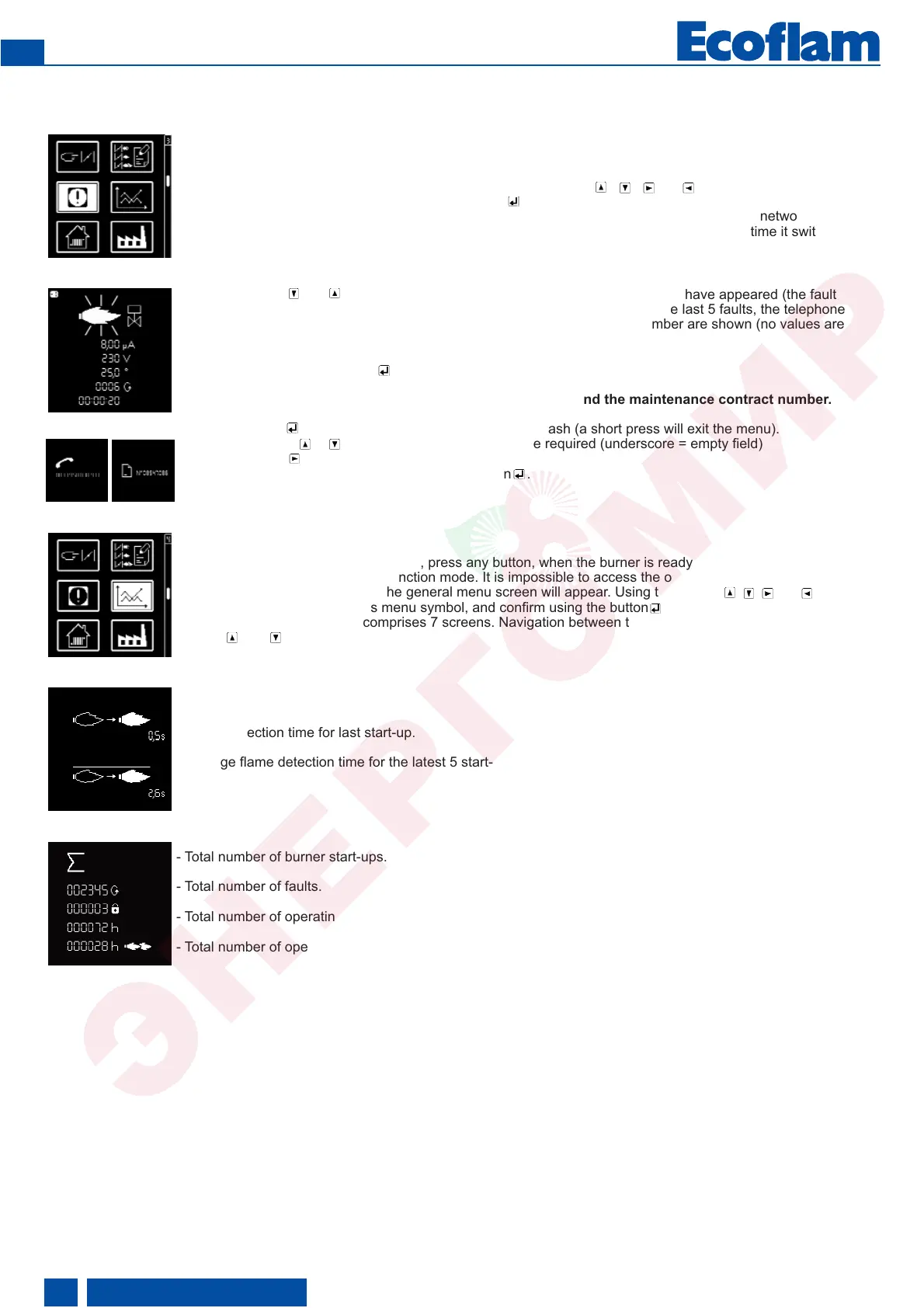
Operating statistics menu.
To access the operating statistics menu, press any button, when the burner is ready to operate, when the burner
is in operation, or when it is in malfunction mode. It is impossible to access the operating statistics diagnosis
menu during the start-up phase. The general menu screen will appear. Using the buttons , , , or , place the
cursor on the operating statistics menu symbol, and confirm using the button .
The operating statistics menu comprises 7 screens. Navigation between the different screens is done using the
buttons and .
- Flame detection time for last start-up.
- Average flame detection time for the latest 5 start-ups.
- Total number of burner start-ups.
- Total number of faults.
- Total number of operating hours.
- Total number of operating hours in 2nd stage.
420010492200
EN


 To Next Page
 Loading...