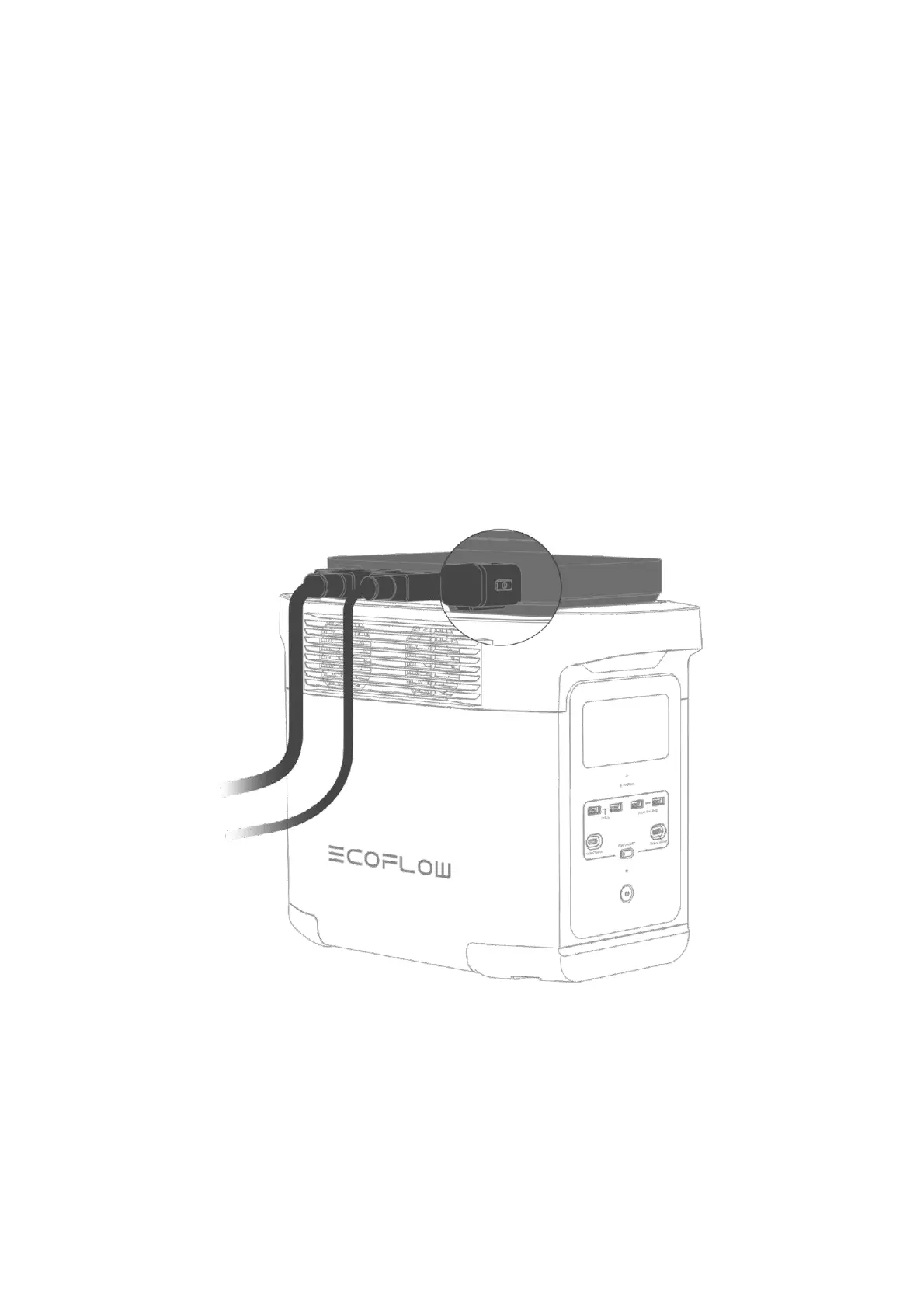
4. Turn on Bluetooth on your phone and bind the device to your EcoFlow account.
5. Connect to the Internet (optional).
After connecting the charger to the Internet, you can manage the charger from afar. If Internet
connection is not available, you can manage the charger via Bluetooth.
Unable to discover your charger via Bluetooth?
Follow the instructions in the "How to Unbind" section to reset the charger's Bluetooth and then try to
bind again.
How to Unbind
You can unbind via the app or the Power Button on the charger. To unbind via the button, follow these
steps:
1. Power off the portable power station or extra battery.
2. Long press the Power Button for 3s to power off the charger.
3. Wait for several seconds and then long press the Power Button for 5s. When the LED indicator
turns solid yellow, unbinding begins. When the indicator turns into another color, unbinding is
complete.


 To Next Page