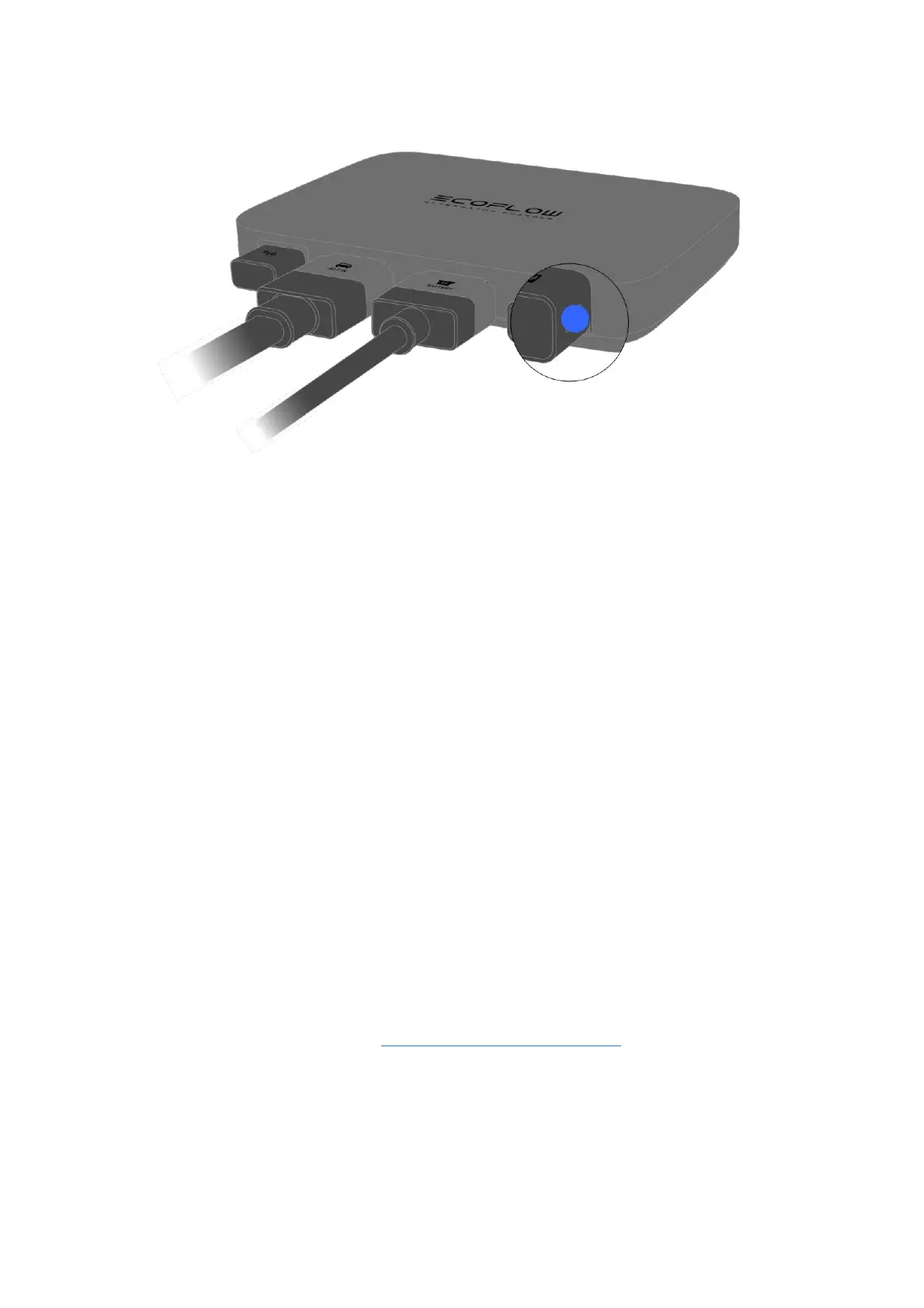
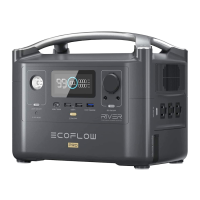
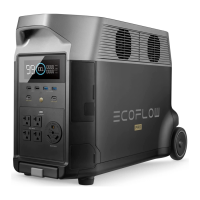
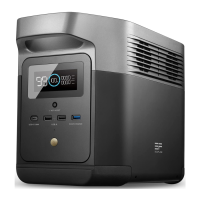
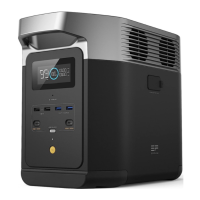
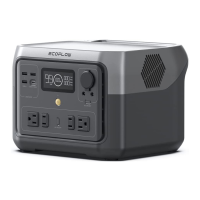
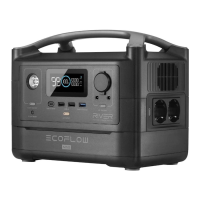
To ensure that the charger will operate normally, please complete the wiring as instructed first, and
then power on the power station or extra battery before you start your vehicle.
When you power on the charger for the first time, it will enter Charge Mode. In daily use, when
you power it on, it will enter the same mode as it was powered off last time. To make sure the
charger will operate normally, please upgrade your portable power station or extra
battery's firmware to the latest version before use.
Bind Your Charger
EcoFlow offers a companion app for device management. By binding the charger to your EcoFlow
account via the app, you can:
1. Check the charger's status
2. Change operating mode
3. Adjust output power
4. Adjust start voltage
Binding Steps
1. Download the EcoFlow App at: https://download.ecoflow.com/app
2. Visit the EcoFlow app and log into your EcoFlow account. If you don't have an account, create
one first.
3. Tap the "Add Device" button or the "+" icon in the top right corner to search for new EcoFlow
devices.


 To Next Page