26
1. We sugges
t that you move the mower near the area where you want to set up the
"restricted zone", then tap the "start" button and tap "nish" button to end the process.
2. Please keep the restricted zones inside the working area, otherwise, the app will
remind you that your attempt to map out a restricted zone outside the working area
failed.
Restricted zones
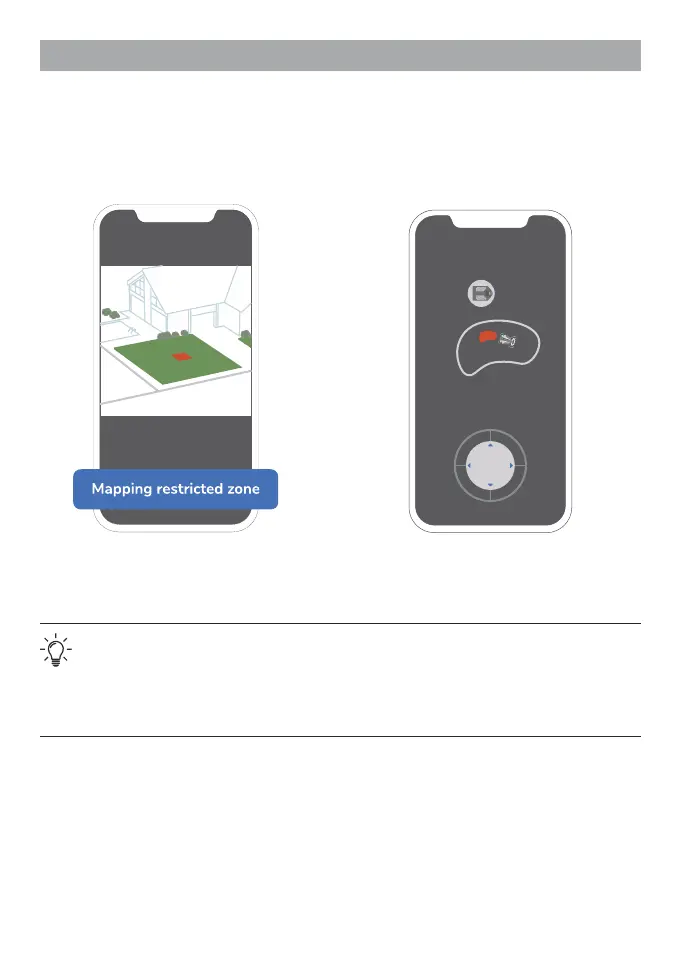
1. After setting up the working area, the
app will guide you to the "Restricted
zone" setting. Tap "Mapping restricted
zone" to proceed.
2. Map out the restricted zone by using the
direction keys.


 To Next Page