DISCLAIMER
ECOFLOW APP
Read all safety tips, warning messages, terms of use, and disclaimers carefully.
Refer to the terms of use and disclaimer at https://ecoflow.com/pages/terms-
of-use and stickers on the product before use. Users take full responsibility for
all usage and operations. Familiarize yourself with the related regulations in your
area. You are solely responsible for being aware of all relevant regulations and
using EcoFlow products in a way that is compliant.
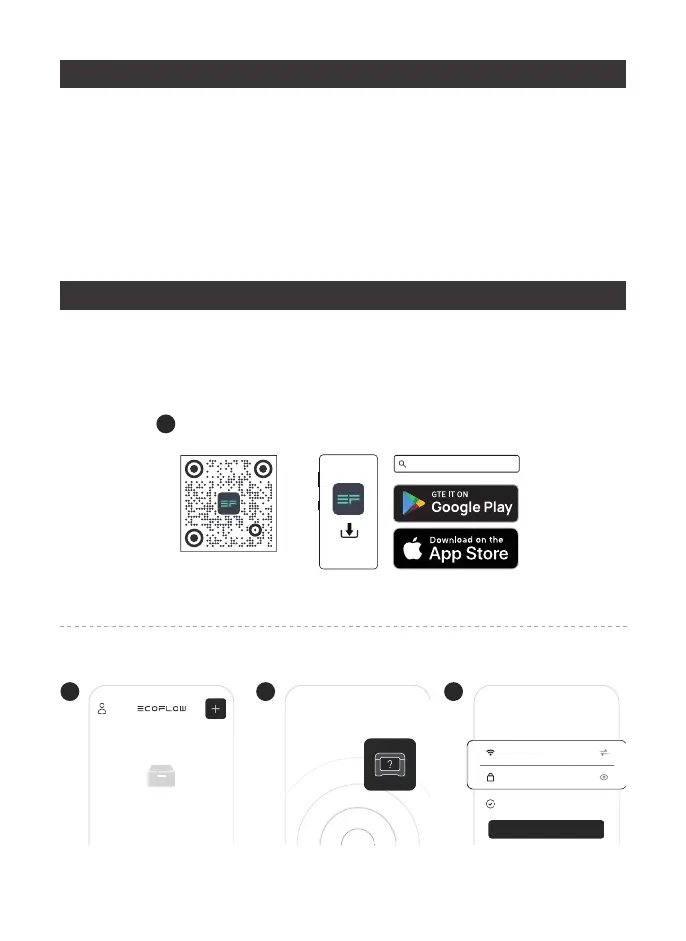
Control, monitor and customize your portable power station from afar with the
EcoFlow App. Download at: https://www.ecoflow.com/us/support/download/
index
1
EcoFlow App
EcoFlow App
2
1.Add device
4
3.Connect to the Internet
Internet setup
Remember password
Password
Wi-Fi name
Connect
3
2.Search with Bluetooth
Searching for units



 To Next Page