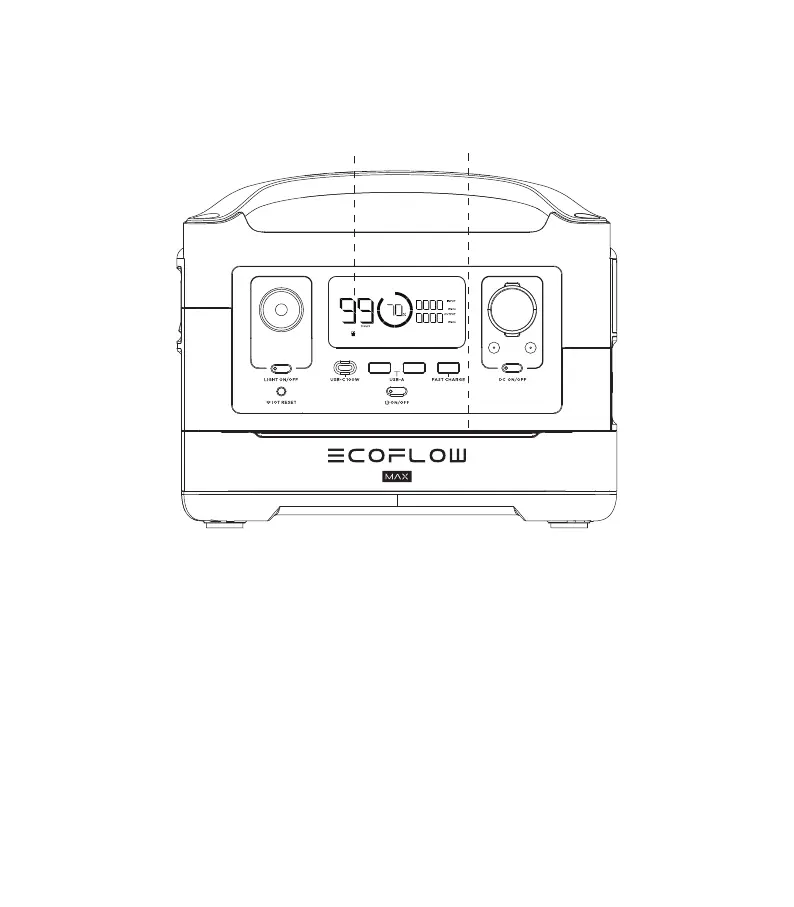
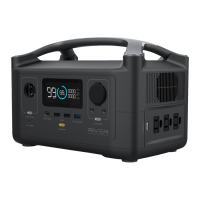
4. Turn the RIVER upright and turn it on. The Extra Battery Panel will turn blue. The Extra
Battery Indicator will be shown on the RIVER display when it has been installed correctly.
Make sure the product is fully charged before use. If the ambient light does not turn on,
or the Extra Battery Indicator does not show on the RIVER display, repeat Step 2 and
check the product connection.
Extra battery
module indicator
*Ambient light
area
power a free life
5





 To Next Page