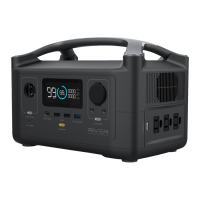
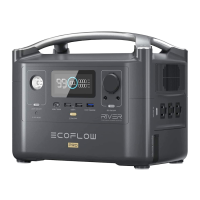
Make sure to turn RIVER off before installing the expansion battery. PRESS and HOLD the ON / OFF
System Power Button to ensure that the power is off. DO NOT turn RIVER on before installing the
bottom cover; the cover is required for proper battery connection.
After the installation is complete, restart the product. DO NOT keep removing the battery frequently
as this requires the product to complete a cell balancing process, which will affect user experi-
ence.
Users are recommended to purchase RIVER and the Extra Battery at the same time. If users purchase
the Extra Battery after using the RIVER for a long time, the output of the product will be affected by
the balance between the power station and the Extra Battery (normal process). Please fully charge
the product to 100% before using it.
Extra Battery Usage and Safety Guide
NOTICE
power a free life
1





 To Next Page