ENGLISH
61
Power ON/OFF
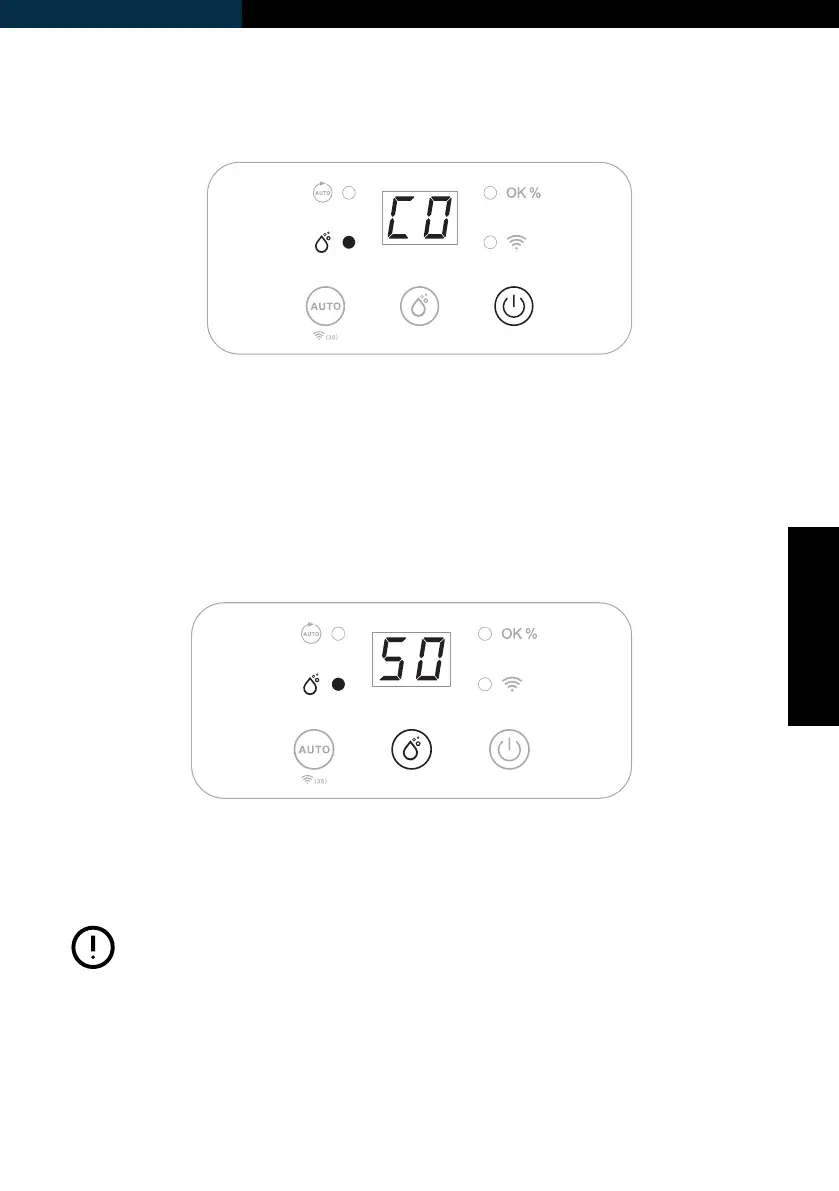
Connect to power supply and press the Power-button once to turn on
the unit. The unit runs by default in manual continuous dehumidifying
mode, the Manual Indicator will be on.
Humidity Setting
Press the Manual-button to select your preferred humidity from CO-40%-
45%-50%-55%-60%-65%-70%-CO. CO means continuous dehumidifying
regardless of ambient humidity.
• If ambient humidity is lower than 30%, display
shows LO.
• If ambient humidity is higher than 90%, display
shows HI.
• When the unit is in standby, the fan will turn on
for 5 minutes once an hour in order to check the
ambient humidity level.
Note:



 To Next Page