ENGLISH
62
Auto-Dehumidifying Function
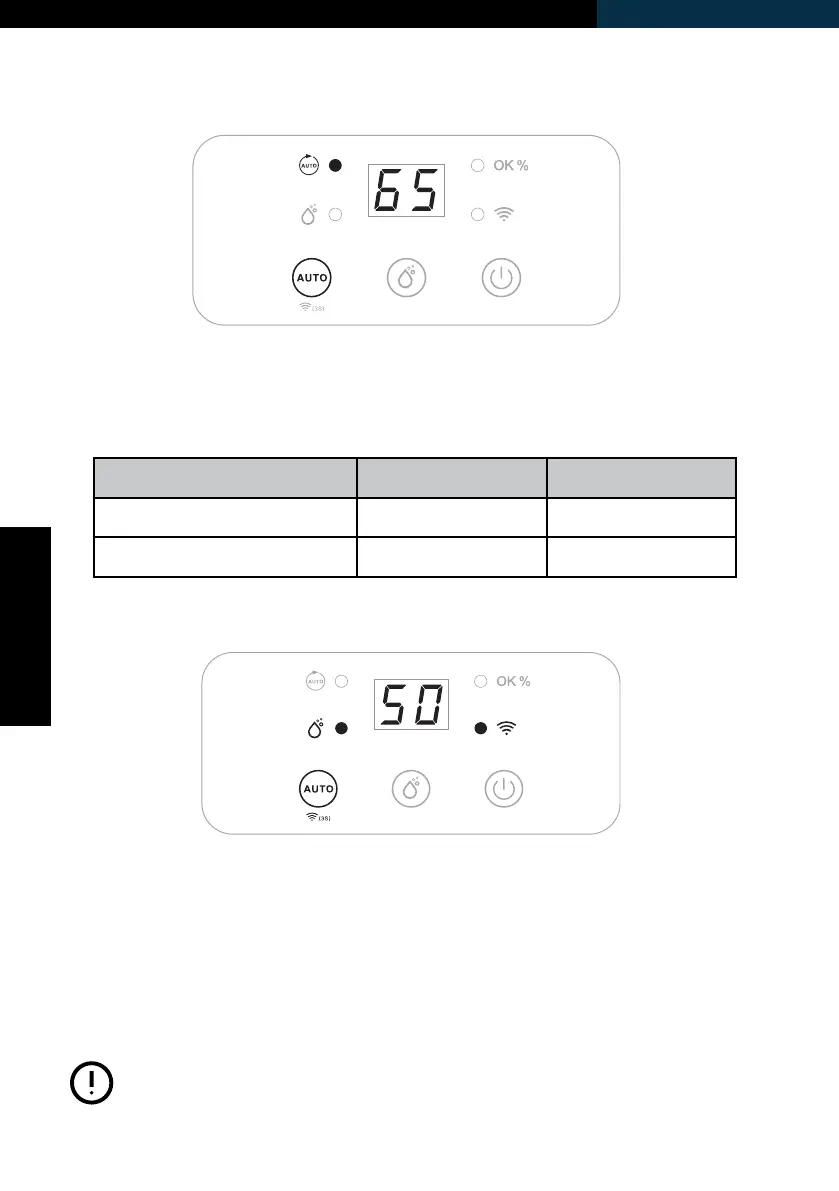
Press the Auto-button to select Auto mode, the unit runs automatically
in accordance to the ambient relative humidity (RH%) detected, as in the
table below:
Wi-Fi Function
Ambient RH% detected Compressor Fan Motor
RH% ≥60% Turns ON Turns ON
RH% <50% Turns OFF Turns OFF
Long press the Auto-button for 3 seconds to activate the Wi-Fi function
and enter the Wi-Fi connection mode. During the network conguration,
the Wi-Fi indicator ashes, after successful Wi-Fi connection, the Wi-Fi
indicator will be lit permanently.
For detailed operation, please refer to the section “Wi-Fi Connection
Guide”.
Long press the Auto-button for 3 seconds in order to
disconnect Wi-Fi.
Note:



 To Next Page