ENGLISH
64
Wi-Fi Connection Guide
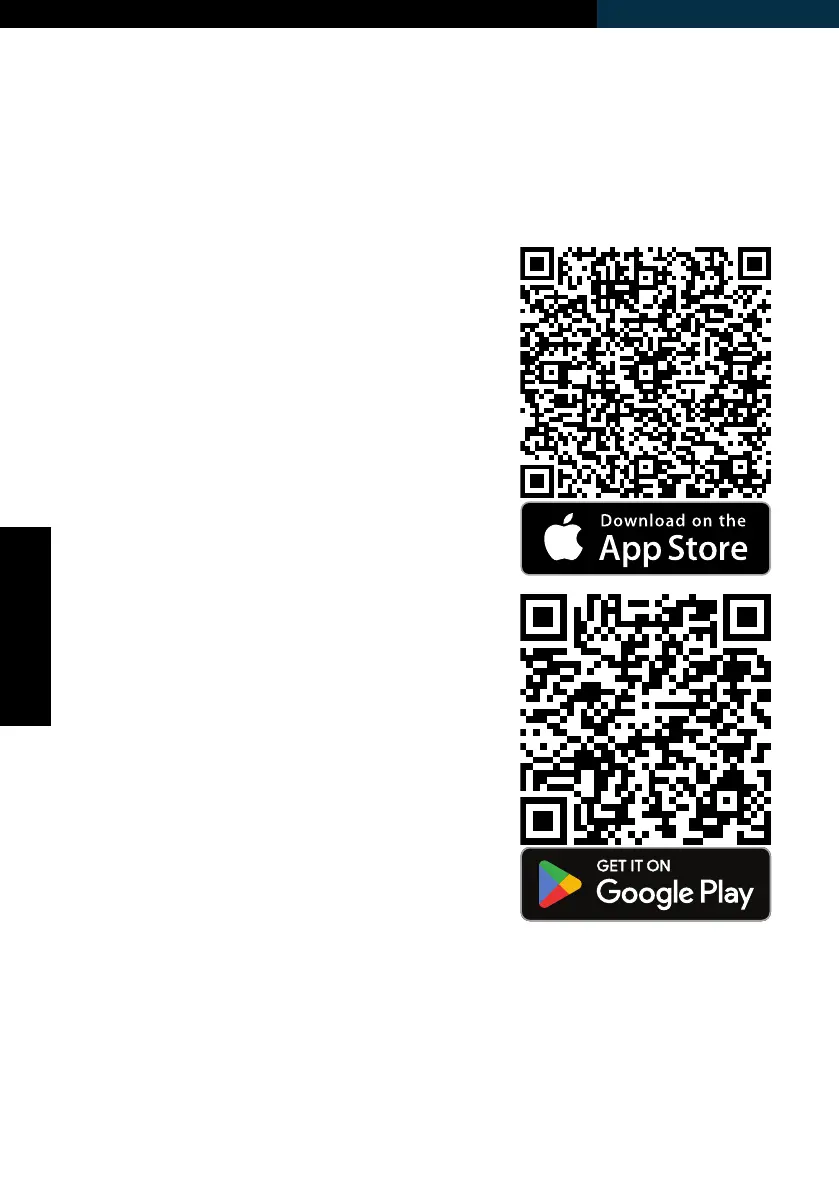
Scan the QR code to get directly to the
download.
App Connection Preparation:
This application allows you to operate the
unit via your home network. A prerequisite
is a permanent Wi-Fi connection to your
router and the “ecofort SMART” app.
1. Install the “ecofort SMART” app and
create a user account.
2. Activate the Wi-Fi function by long
pressing the Auto-button on the unit.
3. Place the unit within range of your
router.
4. As long as the power is turned on, the
Wi-Fi indicator ashes. After 3 minutes,
the status will be canceled if there
is no network conguration and the
indicator light goes off. If you need to
re-connect the Wi-Fi, long press the
Auto-button for 5 seconds to re-start
the network conguration, the Wi-Fi
indicator ashes again.



 To Next Page