6
9. Outputting of the rmware information
By pressing the main trigger button, the trigger button and the SPP button
simultaneously while in use, rmware information will be sent and displayed to
a device which has a Bluetooth (HID) connection with the Ident-Ex. Please note,
that at rst the SPP button, then the main trigger and the trigger button have to
be pressed and by releasing, at rst the SPP button, then the main trigger and
the trigger button.
Currently, the following information will be displayed:
• Bootloader-Version
• Firmware-Version
• Bluetooth-Version of the Bluetooth modules of the Ident-Ex
• Bluetooth address of the Bluetooth modules of the Ident-Ex
• The 5 saved Bluetooth addresses of the devices, which already had a connecti-
on with the Ident-Ex.
• Firmware information of the head modules
10. Battery indicator of the Ident-Ex
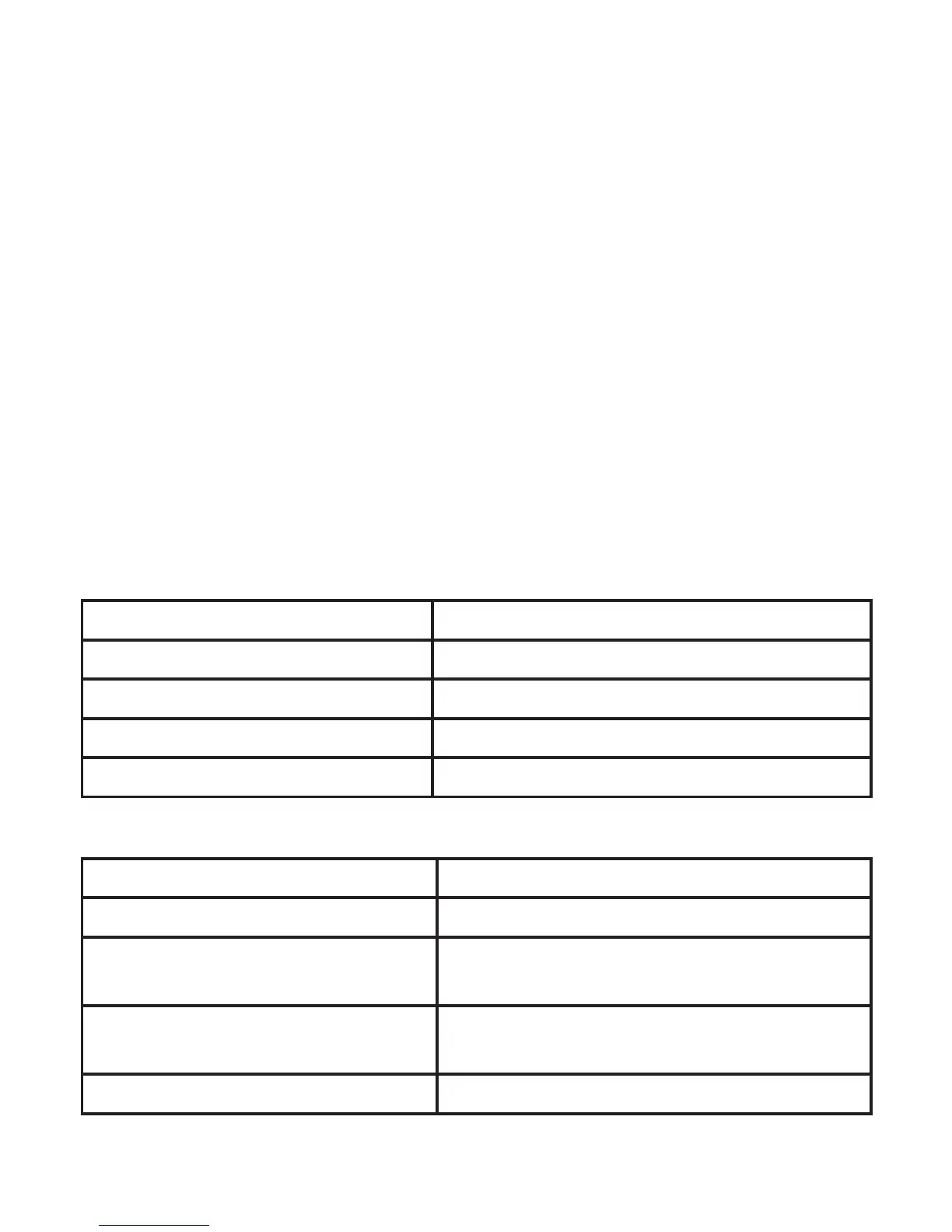
Description of the LED status of the battery indicator (running on battery)
LED Akkustatus
The green LED illuminates permanently Ident-Ex battery status by 100-60%
The yellow LED illuminates permanently Ident-Ex battery status by 59-30%
The red LED illuminates permanently Ident-Ex battery status by 29-6%
The red LED blinks Ident-Ex battery status by 5-0%
Description of the LED status of the battery indicator (while charging)
LED Akkustatus
The green LED illuminates permanently Ident-Ex is fully charged; battery status by 100%
The red and yellow LEDs illuminate
permanently and the green LED blinks
Charging process of Ident-Ex by 99-60%
The red LED illuminates permanently
and the yellow LED blinks
Charging process of Ident-Ex by 59-30%
The red LED blinks Charging process of Ident-Ex by 29-0%


 To Next Page