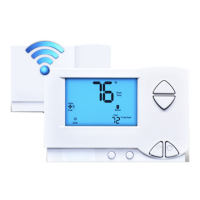
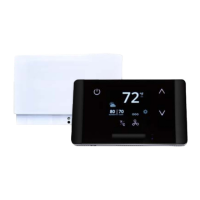
EcoTouch Guest Interface
Weather Forecast
• Provides a three day forecast
• Displays high and low temperature
• Displays weather graphic indicting weather conditions (sunny, cloudy, rainy, etc.)
• Displays day of the week
• Updates daily
Adjust Screen Brightness
Touch Gear icon > Touch Display Dimming > Select Dim at Night or Off at Night > Back Arrow twice to exit
Language Selection
Touch Gear icon > Select Language > Press up/down arrows to select English, Spanish, French or Portuguese >
Back Arrow twice to exit
EcoWave Featuring EcoTouch IO&M Guide Telkonet, Inc.
For Use with Firmware Version 2.x 20800 Swenson Drive, Suite 175
EcoTouch Waukesha, WI 53186
Revision 2 (800) 380-9640
Page 30 www.telkonet.com


 To Next Page