EasyManua.ls Logo

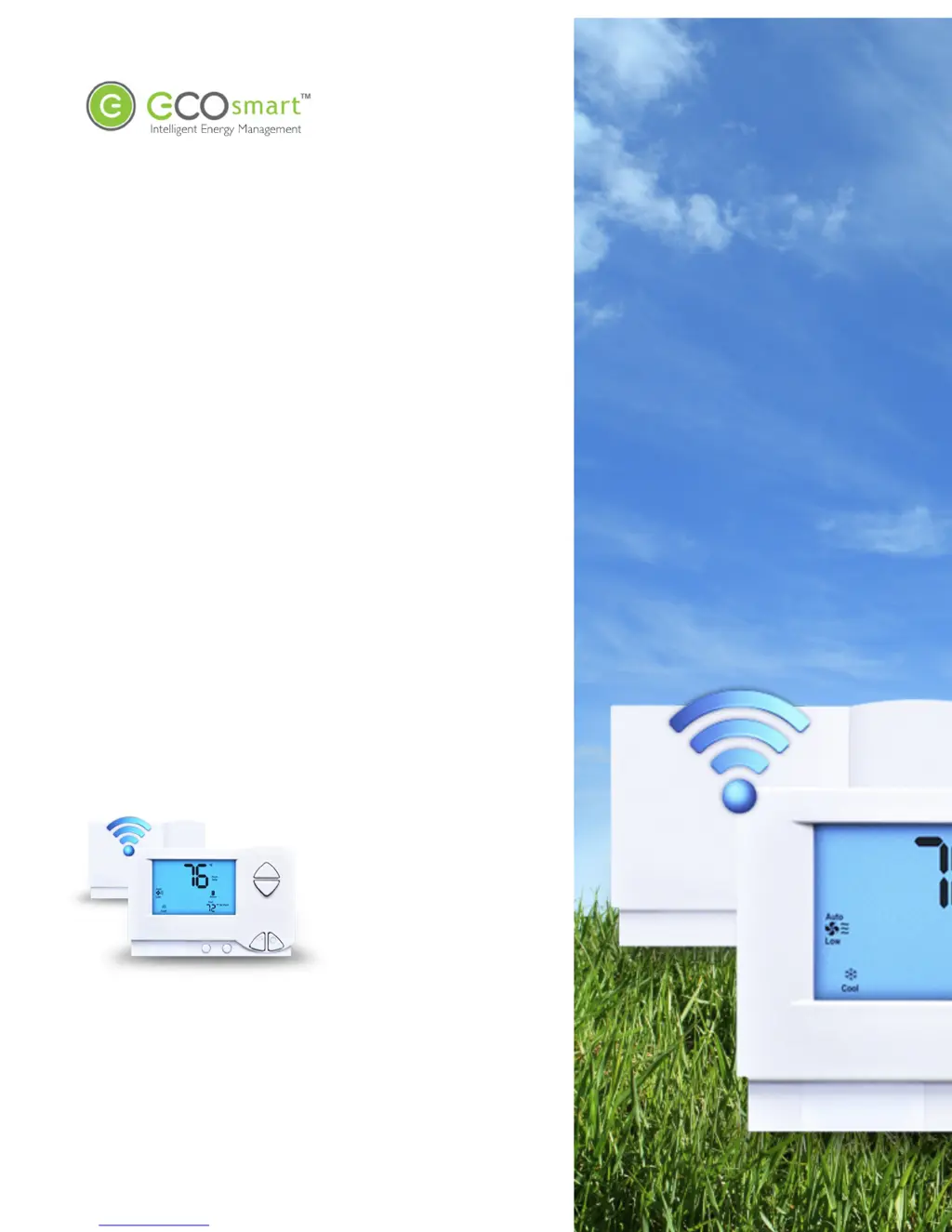
EcoSmart PST6000 - User Manual

EcoSmart PST6000
15 pages
Print Icon
To Next Page IconTo Next Page
Loading...
EcoWave
Installation Guide
PST6000 and PST6550

Questions and Answers

  • C
    Charles JordanAug 3, 2025
    What to do if EcoSmart PST6000 EcoSource LED doesn't blink after entering the join code?
    • J
      John StewartAug 3, 2025
      Verify and re-enter the join code into the EcoInsight/EcoSource. It's possible the join code was not entered correctly the first time.
  • S
    Sheryl BryantAug 10, 2025
    Why was the PAN not set to the value I entered on my EcoSmart PST6000?
    • K
      Kelly GrantAug 10, 2025
      Re-enter the zb –p command, making sure you preface the PAN value with 0x, such as 0x201, because the PAN you entered was not specified in hexadecimal. Also, re-enter the zb command without using backspace, if backspace was used while typing the zb command.
  • J
    Jessica ParrishAug 17, 2025
    How to fix 'cmd not found' after entering a zb command on EcoSmart PST6000 Thermostat?
    • M
      Meghan SmithAug 17, 2025
      Re-enter the zb command without using backspace, because backspace was used while typing the zb command.
  • J
    Jordan HensonAug 25, 2025
    Why the channel was not set to the value I entered on my EcoSmart Thermostat?
    • S
      Stacy HodgesAug 26, 2025
      Re-enter the zb command, because the channel you entered was below 11 or above 26. Recommended channels are 15, 20, 25, and 26. Also, re-enter the zb command without using backspace, if backspace was used while typing the zb command.

Summary

Installation Requirements

Required Equipment

Lists essential hardware and tools for installation.

Regulatory Compliance

Details FCC rules and compliance for the device.

Wiring the Ecolnsight;EcoSource

Mounting Considerations

Discusses mounting factors like RF interference and best practices.

Wireless Installation of the EcoAir

Mounting Considerations

Details best practices for EcoAir mounting based on temperature and occupant distance.

Configuration

Join the Ecolnsight;EcoSource to the EcoConnect

Steps to connect the Ecolnsight/EcoSource to the EcoConnect network.

EcoAir to Ecolnsight;EcoSource Association

Associating One EcoAir with One Ecolnsight;EcoSource (Standard)

Guides the standard one-to-one pairing process between EcoAir and Ecolnsight/EcoSource.

Associating One EcoAir with Multiple Ecolnsights;EcoSources (Multi-Bind)

Details the process for pairing one EcoAir with multiple Ecolnsights/EcoSources in a multi-bind setup.

Troubleshooting

Issues Configuring Firmware

Provides solutions for common problems encountered during firmware configuration and device pairing.

EcoSmart PST6000 Specifications

General IconGeneral
BrandEcoSmart
ModelPST6000
CategoryThermostat
LanguageEnglish

Related product manuals