1
Ecosmarte Planet Friendly, Inc.
Programmable Control Box Manual
Initial Setup
Language Setting Screen
Security Sequence
When power to the controller box is first turned on, the following message is
displayed on the screen as shown below:
Choose Language
Wait for this screen to pass automatically (about 5 seconds), and then the
“security screen” will be displayed as shown below:
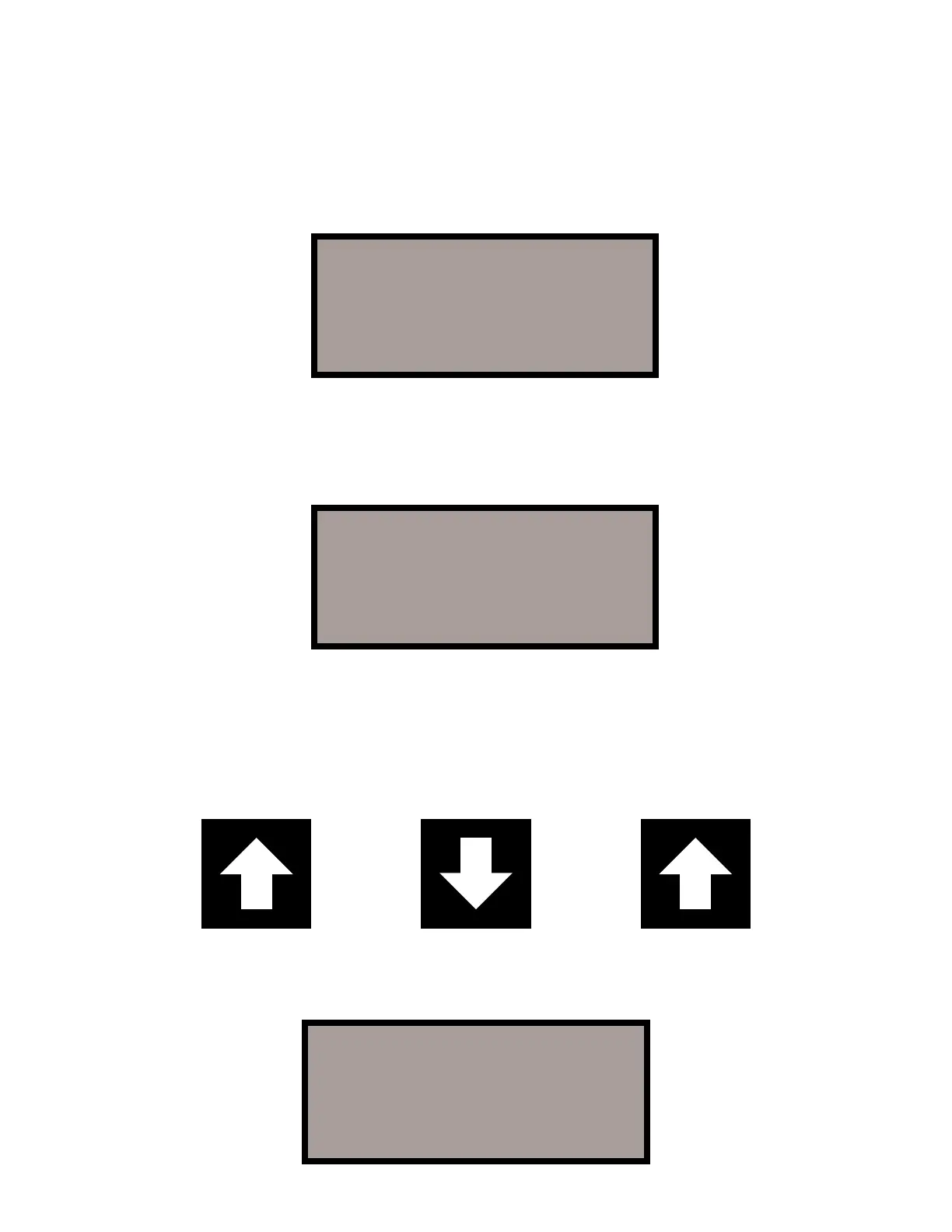
To continue, press the keys: “Up, Down, Up” in succession. This sequence
of buttons will always unlock and activate your keypad. This is to protect your
system from any accidental programming by an unauthorized source
(children, neighbors, pool services, etc.)
When the security sequence is entered correctly, the display will change to
the “Home Screen.”
ECO Smarte
Planet Friendly
1-800-ION-SWIM
(C) 1999-2006 V4.12
Please Enter
Security Sequence
2:22:20P 1/01/2007
Pool 10:00A- 4:00P-
Oxy 10:00A- 4:00P-
Ion None


 To Next Page