EasyManua.ls Logo

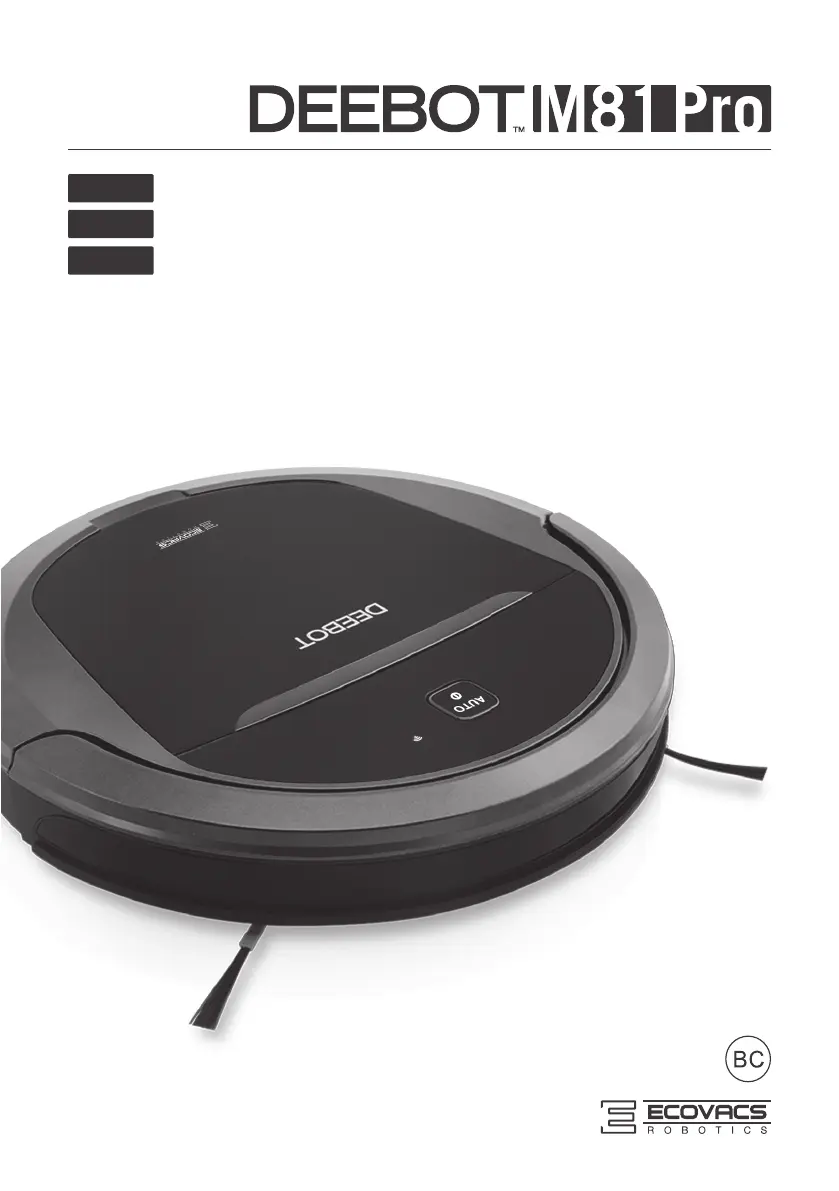
ECOVACS DeeBot M81 Pro - User Manual

ECOVACS DeeBot M81 Pro
88 pages
Print Icon
To Next Page IconTo Next Page
Loading...
Instruction Manual
EN
Manuel de l'utilisateur
Manual de instrucciones
FR-CA
ES-LATAM

Table of Contents

Questions and Answers

  • D
    David SinghAug 11, 2025
    How to fix ECOVACS Vacuum Cleaner DEEBOT that will not charge?
    • U
      ubutlerAug 12, 2025
      If your ECOVACS Vacuum Cleaner DEEBOT won't charge, ensure it is powered ON by pressing and holding the AUTO Mode Button. Check that the Charging Contacts on the DEEBOT are connected to the Charging Dock Pins; manually adjust the robot's position if needed. Make sure the Charging Dock is plugged in to avoid battery drain. If the battery is completely discharged, try reactivating it by placing the DEEBOT on the Charging Dock for 3 minutes, removing it, and repeating this process three times before charging normally.
  • J
    Jose PetersonAug 19, 2025
    What to do if ECOVACS Vacuum Cleaner DEEBOT gets into trouble and stops?
    • K
      Kevin LunaAug 19, 2025
      If your ECOVACS Vacuum Cleaner DEEBOT stops working and gets into trouble, it might be tangled with items on the floor like cords or curtains. The DEEBOT will attempt to free itself. If it can't, manually remove the obstacles and restart it. Also, check the Side Brush and Main Brush for obstructions. Remove any debris and restart. If the brushes still rotate slowly, contact Customer Service.
  • C
    candaceingramAug 27, 2025
    Why ECOVACS Vacuum Cleaner DEEBOT will not clean automatically at scheduled time?
    • K
      Kenneth WelchAug 27, 2025
      If your ECOVACS Vacuum Cleaner DEEBOT does not clean automatically at the scheduled time, the Time Scheduling function may be cancelled. To resolve this, set the Time Scheduling function. Ensure that the DEEBOT is powered ON and has sufficient battery by keeping it on the Charging Dock. Also, the robot’s components may be tangled with debris. Power OFF DEEBOT, clean the Dust Bin, and invert the robot. Clean Side Brushes and the Main Brush.
  • C
    Christina JonesSep 2, 2025
    What to do if ECOVACS Vacuum Cleaner DEEBOT remote control is not working?
    • L
      lparkSep 2, 2025
      If the ECOVACS Vacuum Cleaner DEEBOT Remote Control isn't working, first, replace the batteries in the Remote Control, ensuring they are correctly installed. Then, make sure the DEEBOT is powered ON and fully charged. Clean the Infrared Emitter on the Remote Control and the Infrared Receiver on the DEEBOT with a dry cloth. Also, avoid using the Remote Control near other equipment that emits infrared signals.

ECOVACS DeeBot M81 Pro Specifications

General IconGeneral
BrandECOVACS
ModelDeeBot M81 Pro
CategoryVacuum Cleaner
LanguageEnglish

Related product manuals