EasyManua.ls Logo

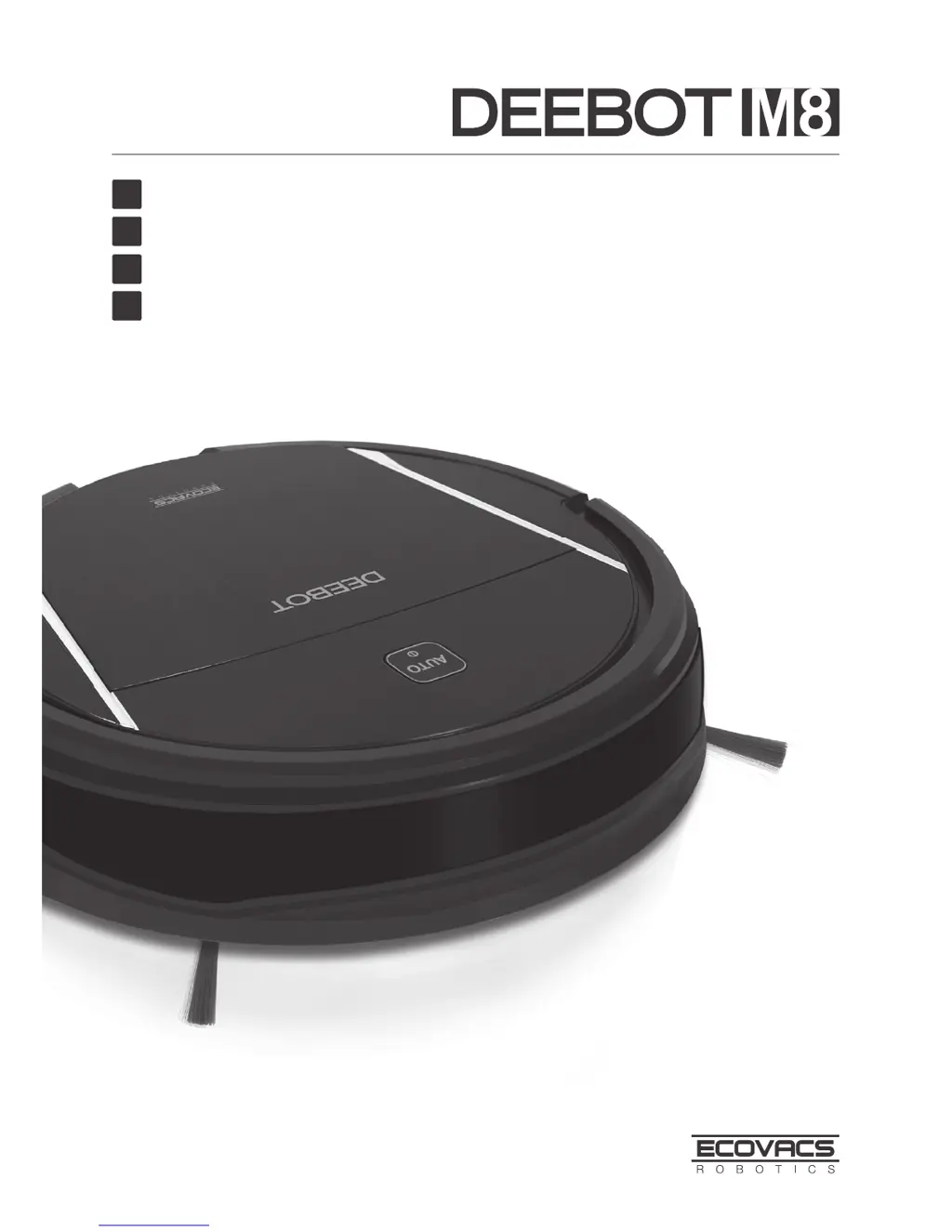
ECOVACS Deebot M8 - User Manual

ECOVACS Deebot M8
106 pages
Print Icon
To Next Page IconTo Next Page
Loading...
Instruction Manual
EN
Mode d'emploi
Benutzerhandbuch
Manual de instrucciones
FR
DE
ES

Table of Contents

Questions and Answers

  • E
    Eric JordanAug 1, 2025
    How to fix ECOVACS Deebot M8 DM85 that will not charge?
    • J
      Joe Nunez DDSAug 1, 2025
      If your ECOVACS Vacuum Cleaner DM85 won't charge, it could be due to several reasons. First, ensure the DM85 is powered ON by pressing and holding the AUTO Mode Button. Next, check if the DM85 has properly connected with the Charging Dock Pins; manually adjust the robot's position if needed. Also, make sure the Charging Dock is plugged in while the DM85 is powered ON. If the battery is completely discharged, try re-activating it by placing the DM85 on the Charging Dock by hand, removing it after charging for 3 minutes, repeating this 3 times, and then charging normally.
  • C
    carlwhiteAug 11, 2025
    Why ECOVACS Deebot M8 Vacuum Cleaner DM85 will not clean at scheduled time?
    • B
      brian79Aug 11, 2025
      If your ECOVACS Vacuum Cleaner DM85 isn't cleaning automatically at the scheduled time, there are a few potential causes. First, verify that the Time Scheduling function is properly set. Also, ensure that the DM85 is powered ON and has sufficient battery charge by keeping it on the Charging Dock. Finally, check if any of the DM85’s components are tangled with debris; if so, power OFF the DM85, clean the Dust Bin, and clean the Side Brushes and the Main Brush.
  • A
    andrew62Aug 20, 2025
    What to do if the remote control of ECOVACS Vacuum Cleaner DM85 isn't working?
    • C
      Christopher AlvarezAug 20, 2025
      If the Remote Control for your ECOVACS Vacuum Cleaner DM85 isn't working, consider these possibilities. First, the batteries in the Remote Control may need replacing; ensure you install new batteries correctly. Also, confirm that the DM85 is powered ON and fully charged. Check the Infrared Emitter on the Remote Control and the Infrared Receiver on the DM85 for dirt; wipe them clean with a dry cloth. Lastly, avoid using the Remote Control near other equipment that uses infrared signals, as this may cause interference.

Summary

Important Safety Instructions

Correct Disposal of this product

Guidance on the responsible disposal of the product within the EU.

Package Contents and Technical Specifications

Package Contents

Details of all items included in the product package.

Specifications

Technical specifications of the DEEBOT DM85 robot and its components.

Product Diagram

Visual representation and identification of robot components and controls.

Operating and Programming

Notes before Cleaning

Important considerations and preparation steps before operating the DEEBOT.

Quick Start

Step-by-step guide for initial setup and basic operation of the DEEBOT.

Cleaning Mode Selection

Explanation of different cleaning modes available for the DEEBOT.

Programming the Robot

Instructions on how to schedule cleaning times using the remote control.

Optional Advanced Mopping System

Guide to using the mopping feature with the smart clean cloth and reservoir.

Choosing a Suction Option

Guidance on selecting and installing between main brush and direct suction options.

Alarm Indicator and Sounds

Troubleshooting common issues based on alarm sounds and indicator lights.

Maintenance

Dust Bin and Filters

Instructions for cleaning and maintaining the dust bin and its filters.

Smart Clean Cloth, Smart Clean Reservoir

Steps for cleaning the smart clean cloth and reservoir after mopping.

Main Brush, Direct Suction Option and Side Brushes

Guidance on cleaning and maintaining the robot's brushes and suction components.

Other Components

Maintenance instructions for universal wheel, sensors, and charging contacts.

Troubleshooting

ECOVACS Deebot M8 Specifications

General IconGeneral
ManufacturerECOVACS
TypeRobotic Vacuum Cleaner
Battery TypeLithium-ion
Charging Time4-5 hours
Water Tank Capacity300 mL
Noise Level65 dB
Mopping FunctionYes
Wi-Fi ConnectivityYes
Dustbin Capacity0.5 L
Auto-Empty StationOptional
App ControlYes
Voice ControlYes
Cleaning ModesAuto, Spot, Edge
Dimensions353 x 353 x 93.6 mm

Related product manuals