EasyManua.ls Logo

ECOVACS DEEBOT M82 - User Manual

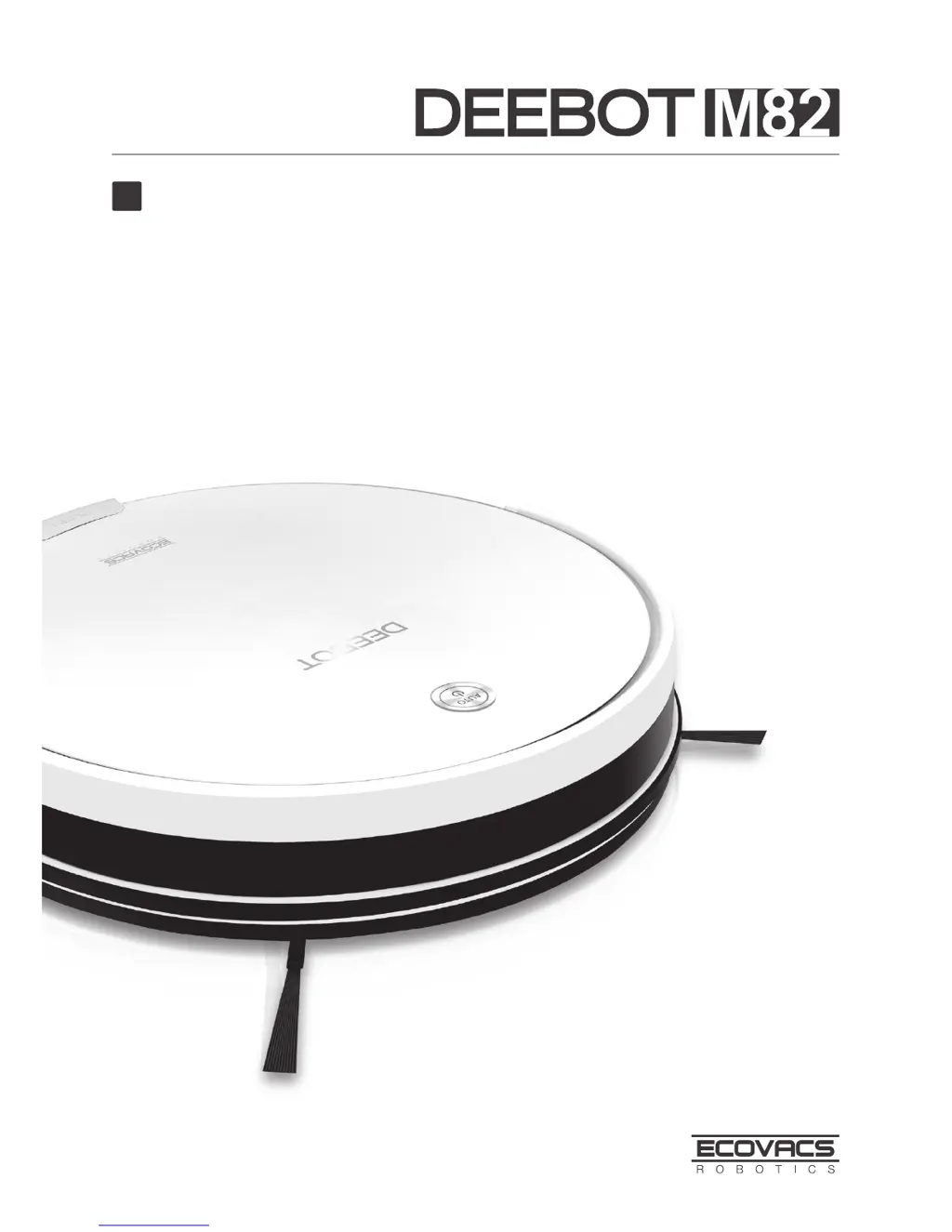
ECOVACS DEEBOT M82
23 pages
Print Icon
To Next Page IconTo Next Page
Loading...
Instruction Manual
EN

Other manuals for ECOVACS DEEBOT M82

Questions and Answers

  • J
    Jason ArnoldAug 9, 2025
    Why is my ECOVACS DEEBOT M82 Vacuum Cleaner DM82 not charging?
    • C
      cheyenne26Aug 9, 2025
      If your ECOVACS Vacuum Cleaner DM82 won't charge, it might be due to several reasons. First, ensure that the side power button is in the ON position. Also, check if the charging contacts on the DM82 are properly connected to the charging dock pins; manually adjust the robot's position if needed. Make sure the charging dock is plugged in and the DM82 is powered on to avoid battery consumption. If the battery is completely discharged, try reactivating it by placing the DM82 on the charging dock for 3 minutes, removing it, and repeating this process three times before charging normally.
  • N
    nicolevincentAug 13, 2025
    Why ECOVACS DEEBOT M82 Vacuum Cleaner DM82 will not clean at scheduled time?
    • M
      Michelle PhelpsAug 14, 2025
      If your ECOVACS Vacuum Cleaner DM82 won't clean automatically at the scheduled time, check if the Time Scheduling function is enabled as described in section 3.4. Ensure that the DM82 is powered ON and has sufficient charge by keeping it on the Charging Dock. Also, power OFF the DM82 and clean the Dust Bin, Side Brushes, and Main Brush as described in section 4 to remove any debris.
  • G
    gonzalezjenniferAug 18, 2025
    What to do if the ECOVACS Vacuum Cleaner DM82 remote control is not working?
    • O
      ohoganAug 18, 2025
      If the remote control for your ECOVACS Vacuum Cleaner DM82 fails, it could be due to several reasons. First, replace the batteries in the remote control, ensuring they are installed correctly. Also, ensure that the DM82 is powered on and fully charged. Clean the infrared emitter on the remote control and the infrared receiver on the DM82 with a dry cloth or the brush side of the provided cleaning tool. Avoid using the remote control near other equipment using infrared signals, as this may cause interference.
  • G
    Gina HamiltonAug 25, 2025
    Why won't my ECOVACS Vacuum Cleaner DM82 clean at the scheduled time?
    • Z
      zwatkinsAug 25, 2025
      If your ECOVACS Vacuum Cleaner DM82 won't clean automatically at the scheduled time, there are a few potential causes. First, check if the Time Scheduling function is cancelled and reset it as described in section 3.4. Ensure that the DM82 is powered on. Keep the DM82 powered on and on the charging dock to maintain a full battery. Also, if the DM82’s components are tangled with debris, power off the DM82, clean the dust bin, invert the robot, and clean the side brushes and the main brush as described in section 4.
  • M
    Mary IrwinAug 28, 2025
    How to fix remote control failure on ECOVACS DEEBOT M82 DM82?
    • E
      Edward AyalaAug 28, 2025
      If the remote control for your ECOVACS Vacuum Cleaner DM82 isn't working, first replace the batteries, ensuring they are correctly installed. Make sure the DM82 is powered ON and fully charged. Clean the Infrared Emitter on the Remote Control and the Infrared Receiver on the DM82 with a dry cloth. Avoid using the Remote Control near other equipment that uses infrared signals.
  • K
    Kathleen JoyceSep 2, 2025
    What to do if ECOVACS DEEBOT M82 Vacuum Cleaner DM82 gets stuck?
    • C
      Catherine CurtisSep 3, 2025
      If your ECOVACS Vacuum Cleaner DM82 gets tangled, it will try to get itself out of trouble. If it can't, manually remove any obstacles such as electrical cords, curtains, or carpet fringe, and then restart the device.

Summary

Important Safety Instructions

Package Contents and Technical Specifications

Package Contents

Lists all items included in the product box.

Specifications

Details technical parameters of the robot and accessories.

Product Diagram

Visual guide to robot and charging dock components.

Remote Control and Dust Bin Details

Explains components of the remote control and dust bin.

Operating and Programming

Notes Before Cleaning

Pre-cleaning checks and environmental considerations for safe operation.

Quick Start Guide

Step-by-step guide for initial setup and charging.

Robot Operation

How to start, pause, resume, and power off the robot.

Cleaning Mode Selection

Overview of different cleaning modes available for the robot.

Programming and Scheduling

Steps to set the current time and schedule automatic cleaning.

Status Indicators and Alarms

Explains status lights and audible alerts for robot feedback.

Maintenance

Dust Bin and Filters

Instructions for cleaning and maintaining the dust bin and filters.

Main Brush and Side Brushes

Guidance on cleaning the main and side brushes.

Other Components Maintenance

Maintenance for universal wheel and anti-drop sensors.

Charging Contacts and Dock Pins

How to clean charging contacts and charging dock pins.

Troubleshooting

Robot Charging Issues

Solutions for problems preventing the robot from charging.

Robot Stops During Operation

Steps to resolve when the robot gets stuck or stops.

Robot Returns to Charger Early

Explains why the robot returns to the dock before finishing.

Scheduled Cleaning Failures

Troubleshooting issues with automatic cleaning schedules.

Remote Control Issues

Diagnosing and fixing remote control operational problems.

ECOVACS DEEBOT M82 Specifications

General IconGeneral
TypeRobot Vacuum Cleaner
App ControlNo
Filter TypeHigh Efficiency Filter
Dust CollectionBagless
Cord TypeCordless
Battery TypeLithium-ion
Charging Time4-5 hours
Battery Capacity2600 mAh
Compatible Floor TypesHard floor, Low-pile carpet
SchedulingYes
Virtual BoundaryNo
Auto RechargeYes
Water TankNo
Cleaning ModesAuto, Spot, Edge
FeaturesStair Safety Technology
ConnectivityWi-Fi

Related product manuals