EN
3. Operating and Programming
Cancel Scheduled Cleaning Time
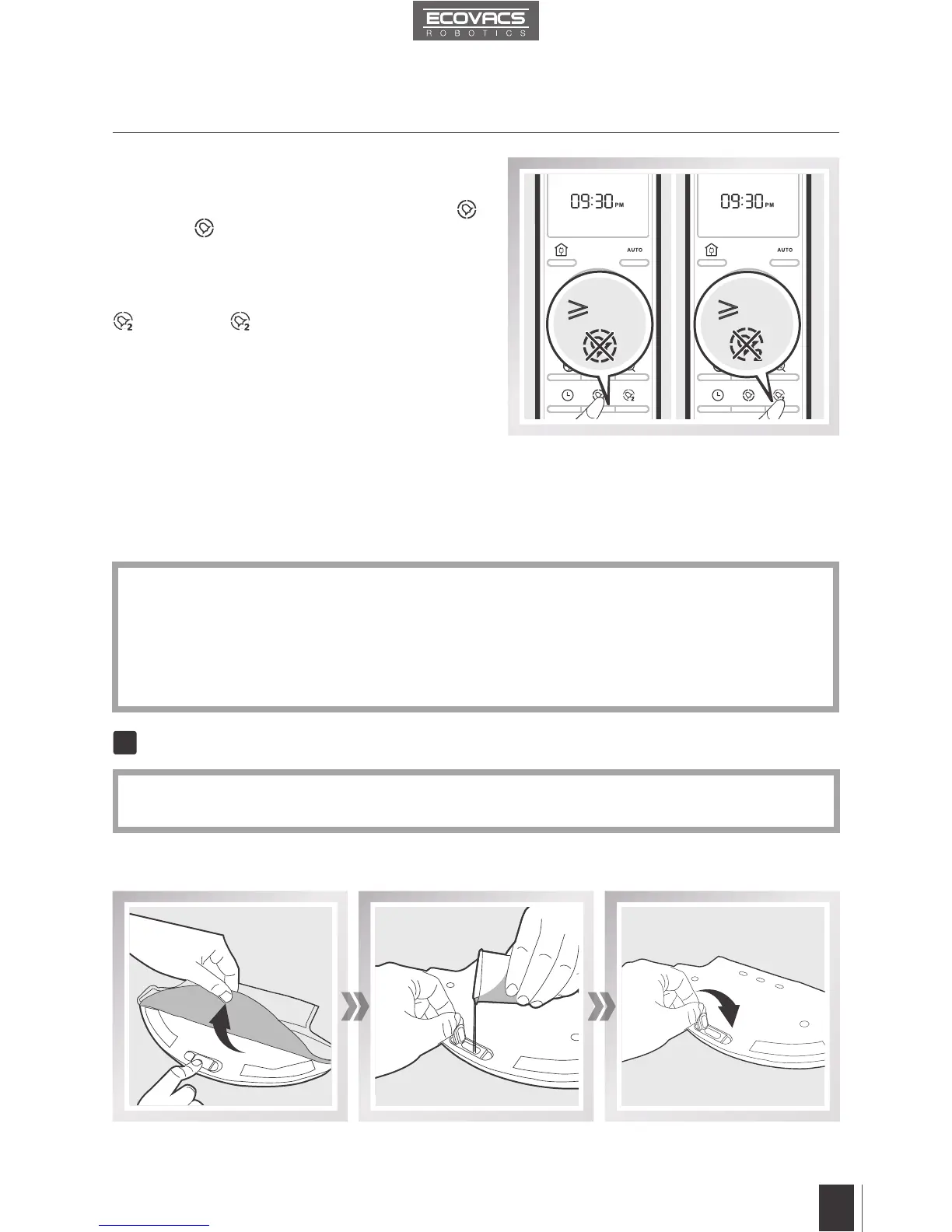
To cancel the rst cleaning time, press and hold
button until disappears from the Remote Control
LED Screen. The scheduled cleaning time is
cancelled.
To cancel the second cleaning time, press and hold
button until disappears from the Remote
Control LED Screen. The second scheduled
cleaning time is cancelled.
Fill the provided Measuring Cup with water. Open the lid of the Water Inlet on the Smart Clean Reservoir
and slowly pour water from the Measuring Cup into the Water Reservoir. Close the Water Inlet lid.
Add Water to the Smart Clean Reservoir
*
Before adding water to the Smart Clean Reservoir, remove the Smart Clean Reservoir from
the bottom of the robot. Remove the Smart Clean Cloth from the Smart Clean Reservoir.
Ő3Ƞ Ő3Ƞ
1
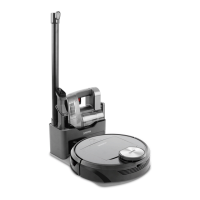
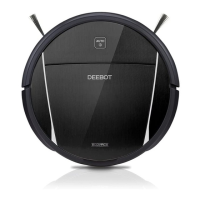
DM85 has an Optional Advanced Mopping System using a Smart Clean Cloth attached to a
proprietary Smart Clean Reservoir. The washable/reusable Smart Clean Cloth automatically
damp mops and then dries the floor to a spotless clean.
*
Do not use the mopping system on carpet.
*
When using the mopping system, fold area rug edges under themselves so DM85 will avoid
the rug.
*
When using the mopping system, do not stop the robot and allow it to stand still. This prevents
the Smart Clean Cloth from leaving water on the oor.
*
Remove the Smart Clean Reservoir before charging DM85.
3.5 Optional Advanced Mopping System










 To Next Page