23 EN
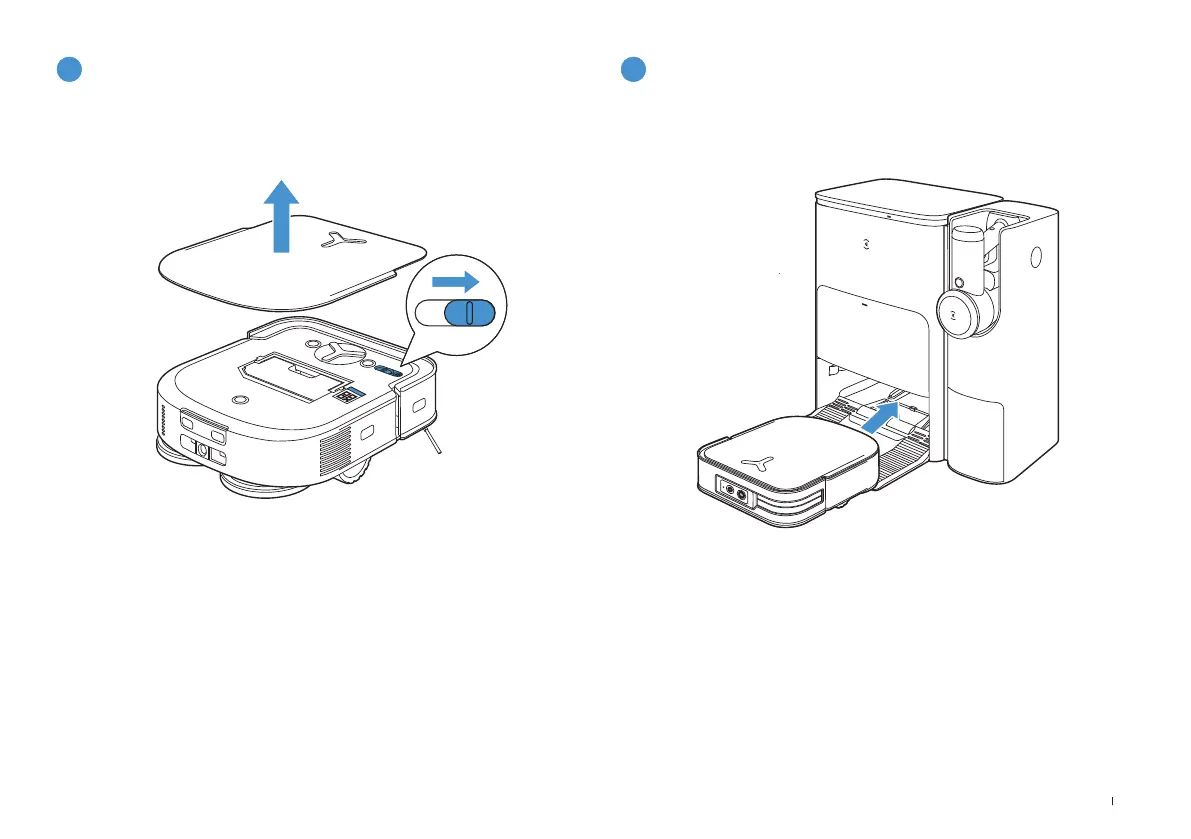
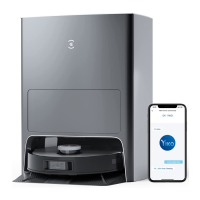
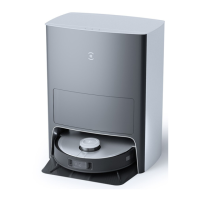
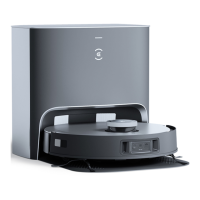
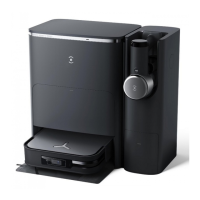
Make sure the Station is connected to the power supply� Use the
ECOVACS HOME App or voice to recall DEEBOT to enter the Station to
charge it up�
4
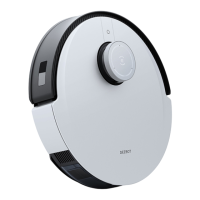
Power ON
5
Charge DEEBOT
Note: "I" = ON, "O" = OFF.
• DEEBOT cannot be charged when being powered OFF�
• When DEEBOT is not working, it is recommended to keep it switched ON and
charging�
• It is recommended that DEEBOT start cleaning from the Station� Do not move
the Station while cleaning�






 To Next Page