25 EN
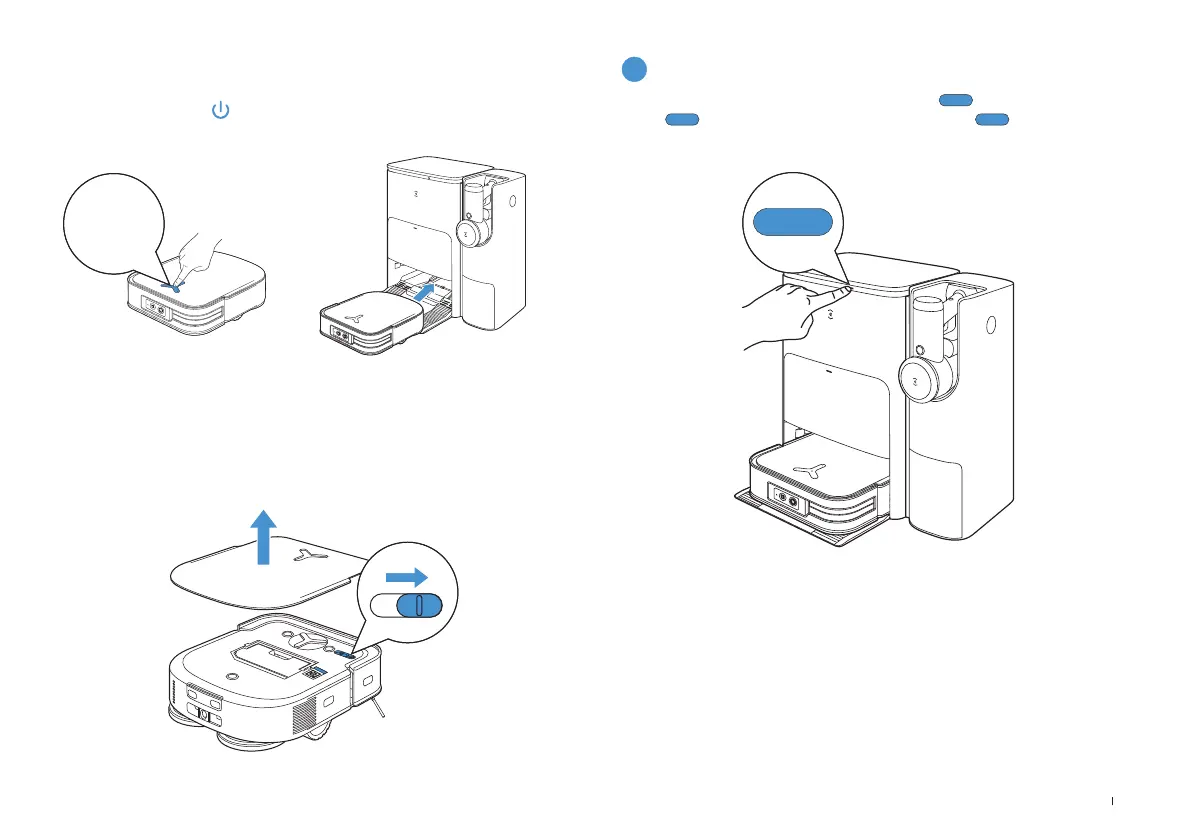
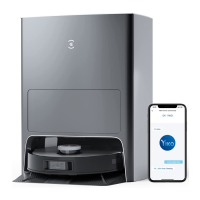
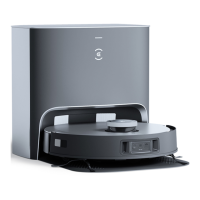
Use the ECOVACS HOME App or voice to recall DEEBOT to enter the Station to
charge it up� Long press
for 3s on the DEEBOT can also recall it�
5. Back to Station
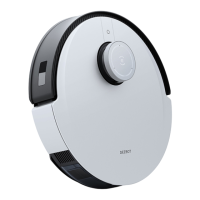
DEEBOT will enter deep sleep mode to protect the battery if the
DEEBOT stays outside the Station for about 5h� Please switch OFF and
ON to wake up the DEEBOT�
6. Deep Sleep Mode
7
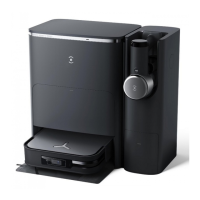
Station
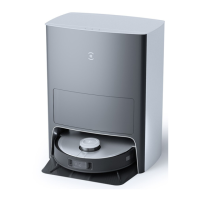
When DEEBOT is in the Station, short press to start/pause
.
Long
press to self-clean the Station� Double click to start Vacuum
Cleaner Auto-Empty�
3
″






 To Next Page