DEVICE MANUAL
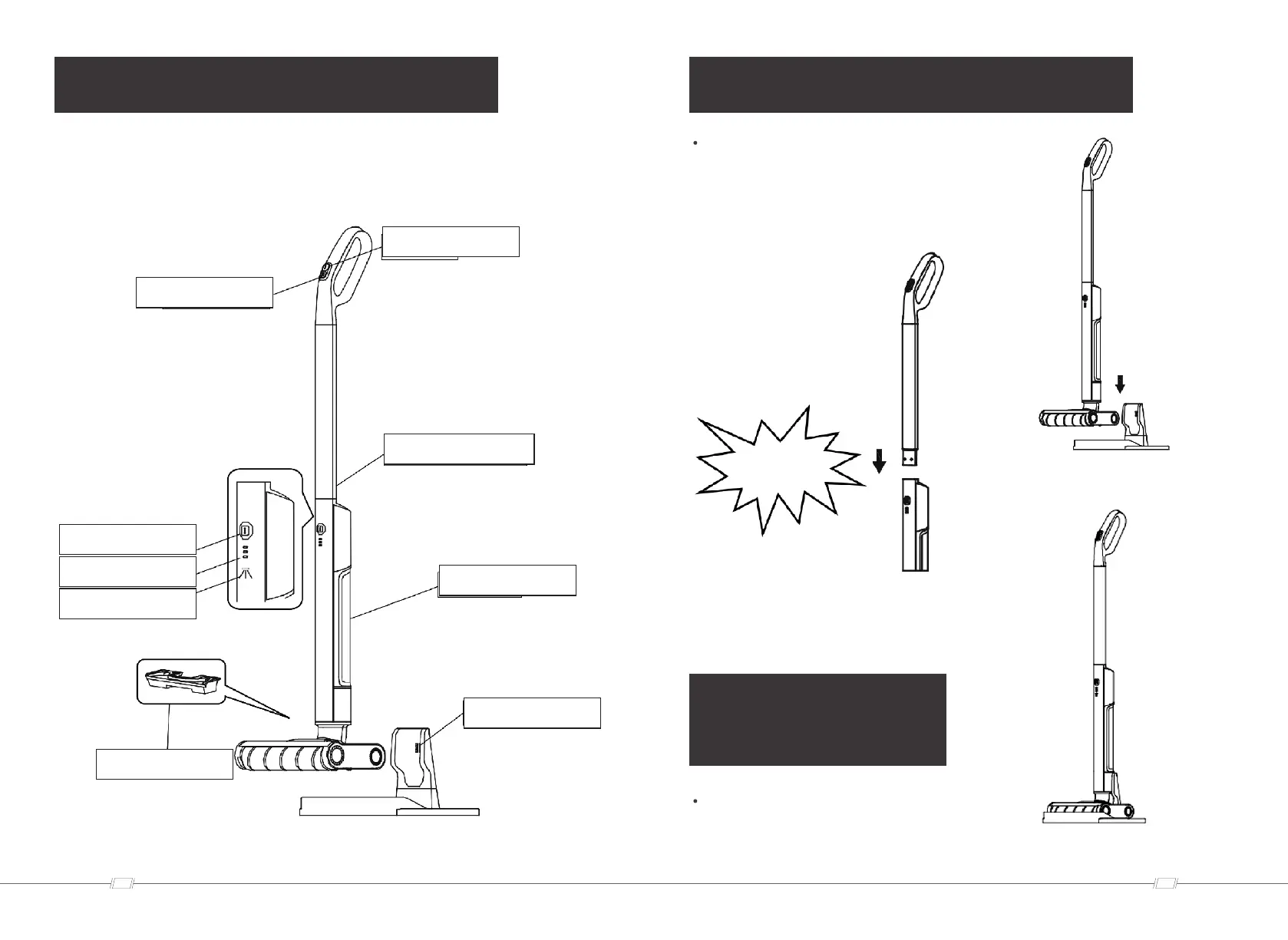
Water spray button
Self-cleaning button
Battery indicator
Water spray indicater
Dirty water tank
Charging base
Clean water tank
Handle unlocking mechanism
Switch button
0605
https://www.altonindustries.com
info@altonindustries.com
INSTALLATION
Install the handle into the device body until it is
fully inserted. Hearing a "clack" sound means it
is in place. The handle must be firmly fixed in
the device.
METHOD OF
USE
To ensure stable placement, the device should
be placed on the charging stand.
1
2
“clack”



 To Next Page