37
Using BIOS
This option displays basic information about your system.
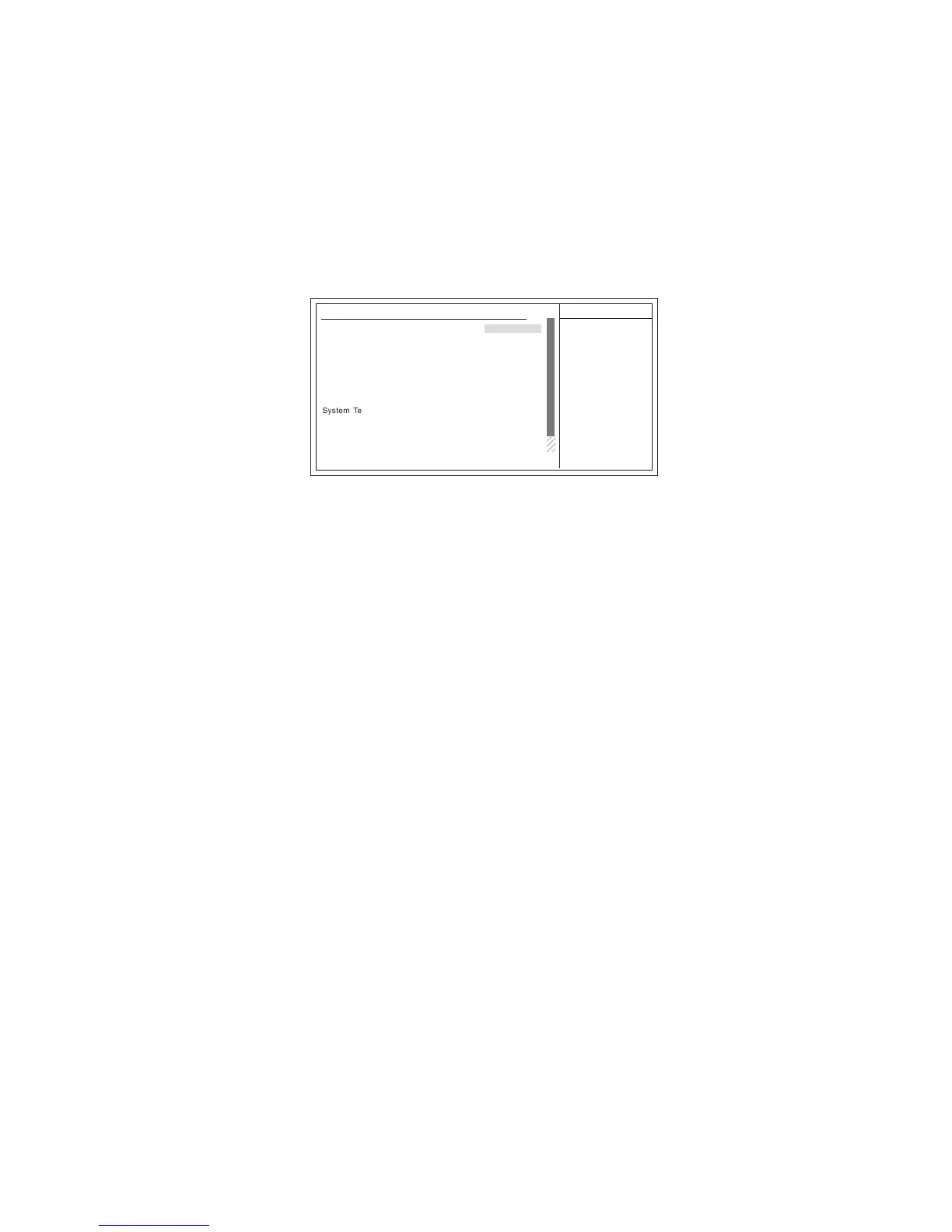
Hardware Health Features
CMOS Setup Utility - Copyright (c) 1985-2004, American Megatrends, Inc.
Help Item
Hardware Health Features
Hardware Healthy Configure
CPU Temperature :57°C/78°F
NB Fan Speed :4326RPM
CPU Fan Speed :4218RPM
VCCP :1.353V
VDDQ :1.358V
mnlk
: Move F1: General Help+/-/: Value
ESC: ExitF10: Save
Enter : Select
F9: Optimized Defaults
F8:Fail-Safe Defaults
F7:Previous Values
f
f
2
System Temperature :26°78°F
SMART FAN Control [Enabled]
SMART CPU Temperature [70]
CPU Tolerance Temperature [1°]
StartUp Duty-Cycle [128]
SMART SYS Temperature [45]
SYS Tolerance Temperature [1
°]
StartUp Duty-Cycle [20%]
SMART FAN Control (Enabled)
This item allows you to enable/disable the control of the system fan speed by changing the fan
voltage.
SMART CPU Temperature (70°C)
This item specifies the default CPU temperature. The ranges is from 40°C to 100°C.
CPU Tolerance Temperature (1°C)
This item enables users set the value of the CPU temperature to achieve the start and stop status. The choices are 1°C, 2°C,
3°C and 4°C.
Example: SMART CPU Temperature 70°C + 1°C = Start up
SMART CPU Temperature 70°C - 1°C = Stop
StartUp Duty-Cycle(128)
This is output for FAN PWM value. When the CPU temperature is lower than Target Temp-tolerance
value, the value will remain as “128” for FAN speed.
SMART SYS Temperature (45°C)
This item specifies the default CPU temperature. The ranges is from 40°C to 100°C.
SYS Tolerance Temperature (1°C)
This item enables users set the value of the CPU temperature to achieve the start and stop status. The choices are 1°C, 2°C,
3°C and 4°C.
Example: SMART CPU Temperature 70°C + 1°C = Start up
SMART CPU Temperature 70°C - 1°C = Stop
StartUp Duty-Cycle(20%)
This item allows users to manually set the StartUp Duty-Cycle of the smart fan, in order to let the
system control the fan speed in an efficient way.
System/CPU Temperature
These items display System/CPU temperatures.
NB Fan/CPU Fan Speed
These items display Northbridge and CPU Fan speeds.



 To Next Page