34
Using BIOS
Onboard Device (Press Enter)
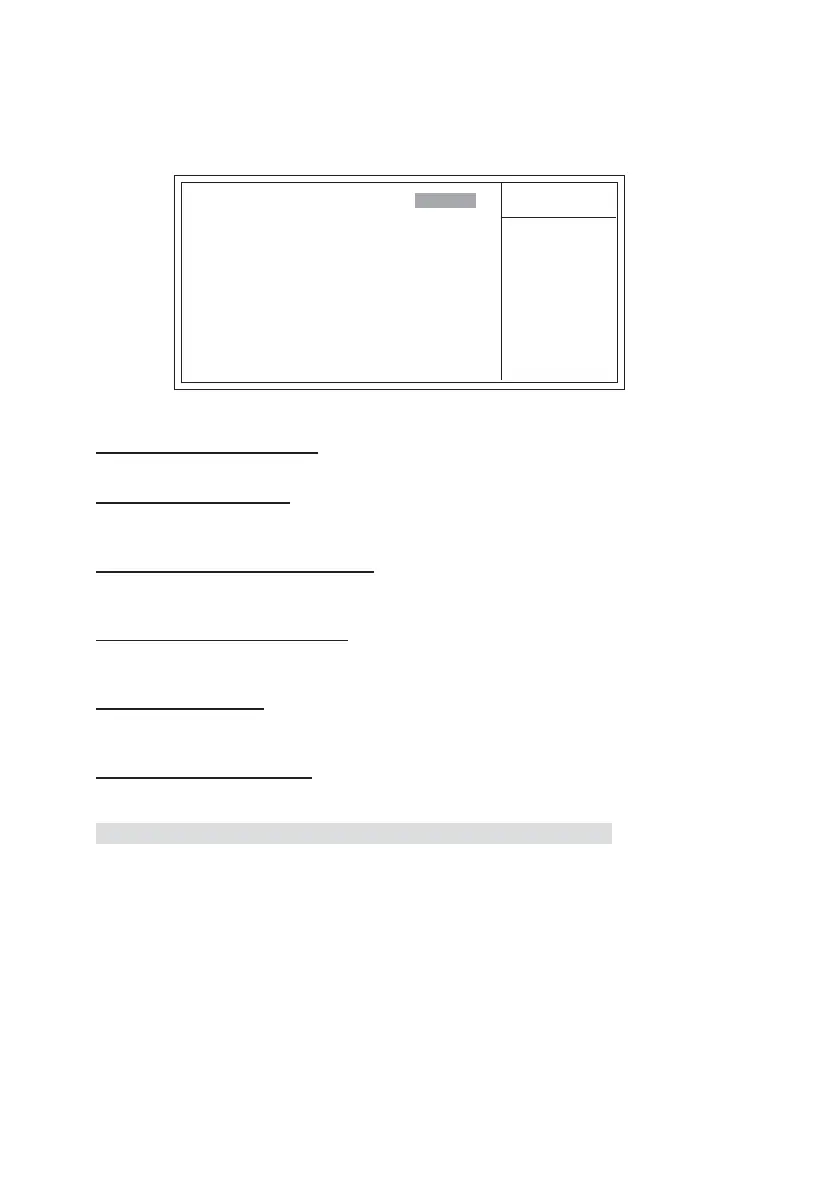
Scroll to this item and press <Enter> to view the following screen:
Item Help
Menu Level
Phoenix-AwardBIOS CMOS Setup Utility
Onboard Device
F5:Previous Values F6:Fail-Safe Defaults F7:Optimized Defaults
: Move Enter: Select +/-/PU/PD:Value F10:Save ESC:Exit F1: General Help
Init Display First (PCI Slot)
This item allows users to set the initial display device for the system.
Onchip USB (V1.1+V2.0)
This item enables users to enable or disable the onchip USB function, setting it to be USB1.1
or USB2.0 compatible.
USB Keyboard Support (Enabled)
Enables this item if you plan to use a keyboard connected through the USB port in a legacy
operating system (such as DOS) that does not support Plug and Play.
USB Mouse Support (Enabled)
Enable this item if you plan to use a mouse connected through the USB port in a legacy
operating system (such as DOS) that does not support Plug and Play.
AC’ 97 AUDIO (Auto)
Enables and disables the onboard audio chip. Disable this item if you are going to install a
PCI audio add-in card.
Onboard Giga LAN (Auto)
Enables or disables the onboard Giga LAN function.
Init Display First [PCI Slot]
OnChip USB [V1.1+V2.0V]
USB Keyboard Support [Enabled]
USB Mouse Support [Enabled]
AC97 Audio [Auto]
Onboard Giga Lan [Auto]
Press <Esc> to return to the Integrated Peripherals page.



 To Next Page