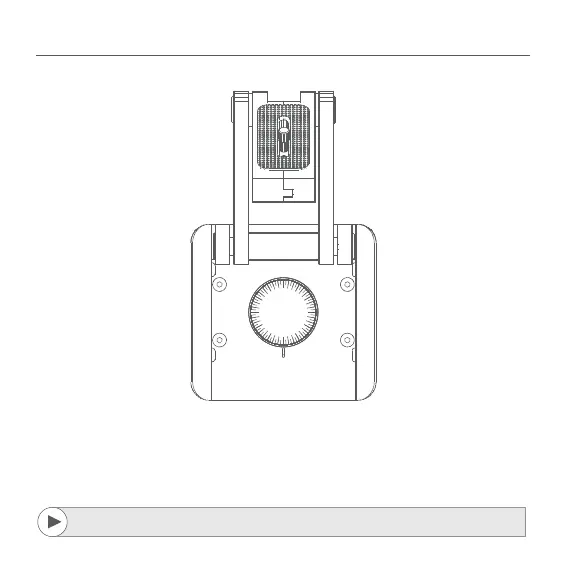
If the hash marks are turning, it means the FlexTILT Head is panning.
If the hash marks are turning with the FlexTILT Head itself, it means FlexTILT
Head either loosens or thightens.
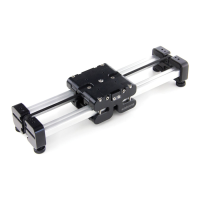
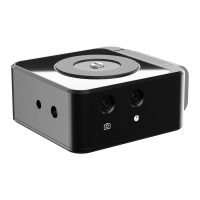
16. MOUNTING FLEXTILT HEAD 3D
A detailed video explaining mounting process can be found at:
http://edel.kr/fh3d



 To Next Page