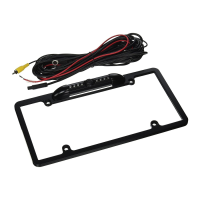
MOUNTING THE CAMERA
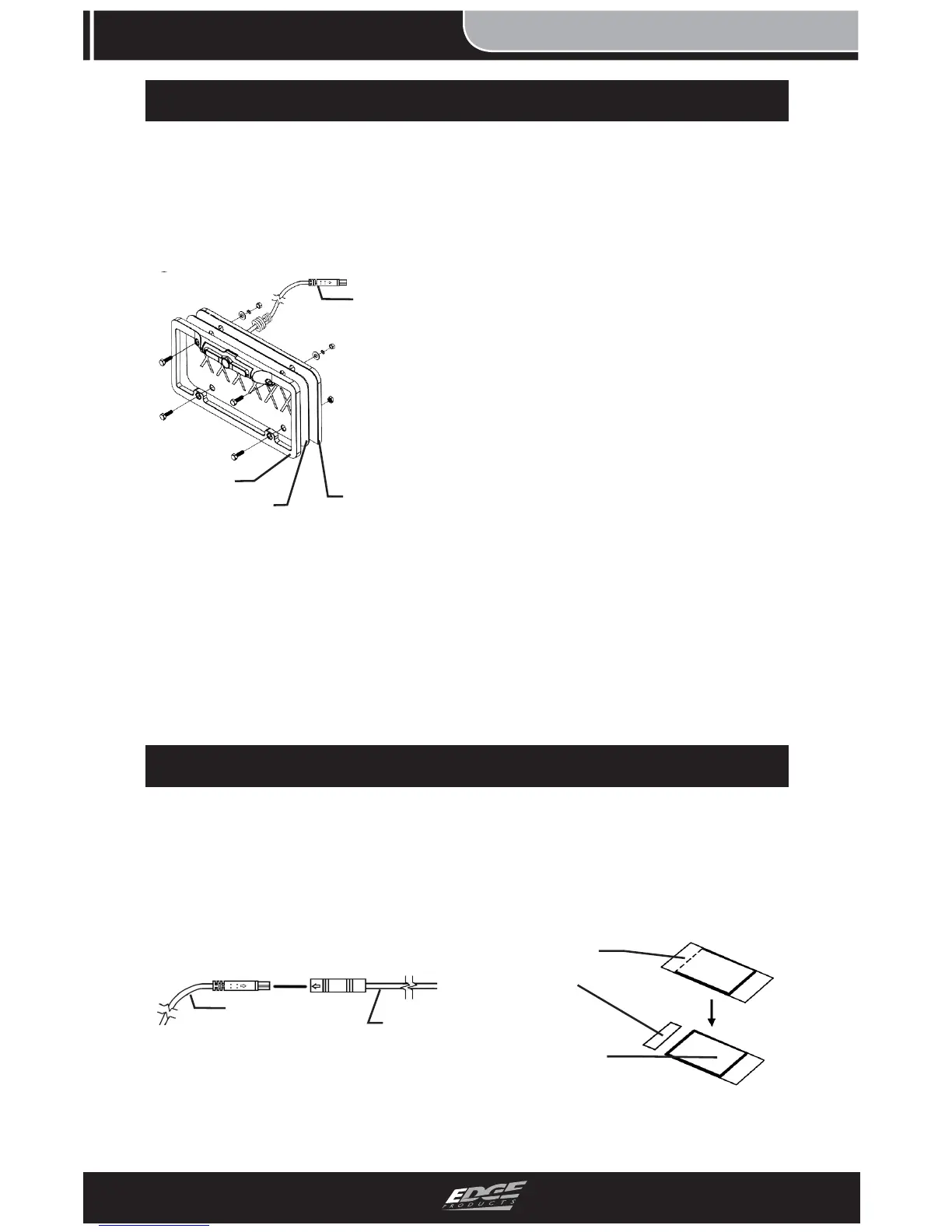
1. Remove the LICENSE
PLATE from your vehicle and
align it with the back side of
the CAMERA as shown in the
fi gure below.
FIGURE 2
2. If an auxiliary hole exists
behind the license plate, insert
the CAMERA CABLE through
it and make sure the connector
is easily accessible for routing.
3. If applicable, insert one of
the RUBBER GROMMETS
into the hole. This will help
protect the cable from sharp
edges that may potentially cut
into the cable insulation.
4. Align the CAMERA and
LICENSE PLATE with the
bumper/trunk holes and insert
the (4) bolts.
5. With the bolt in place, slide
the FLAT WASHER and LOCK
WASHER over the backside of
the bolt and fasten with a nut.
6. Tighten until snug.


 To Next Page