Edge, Quick Installation Guide
14
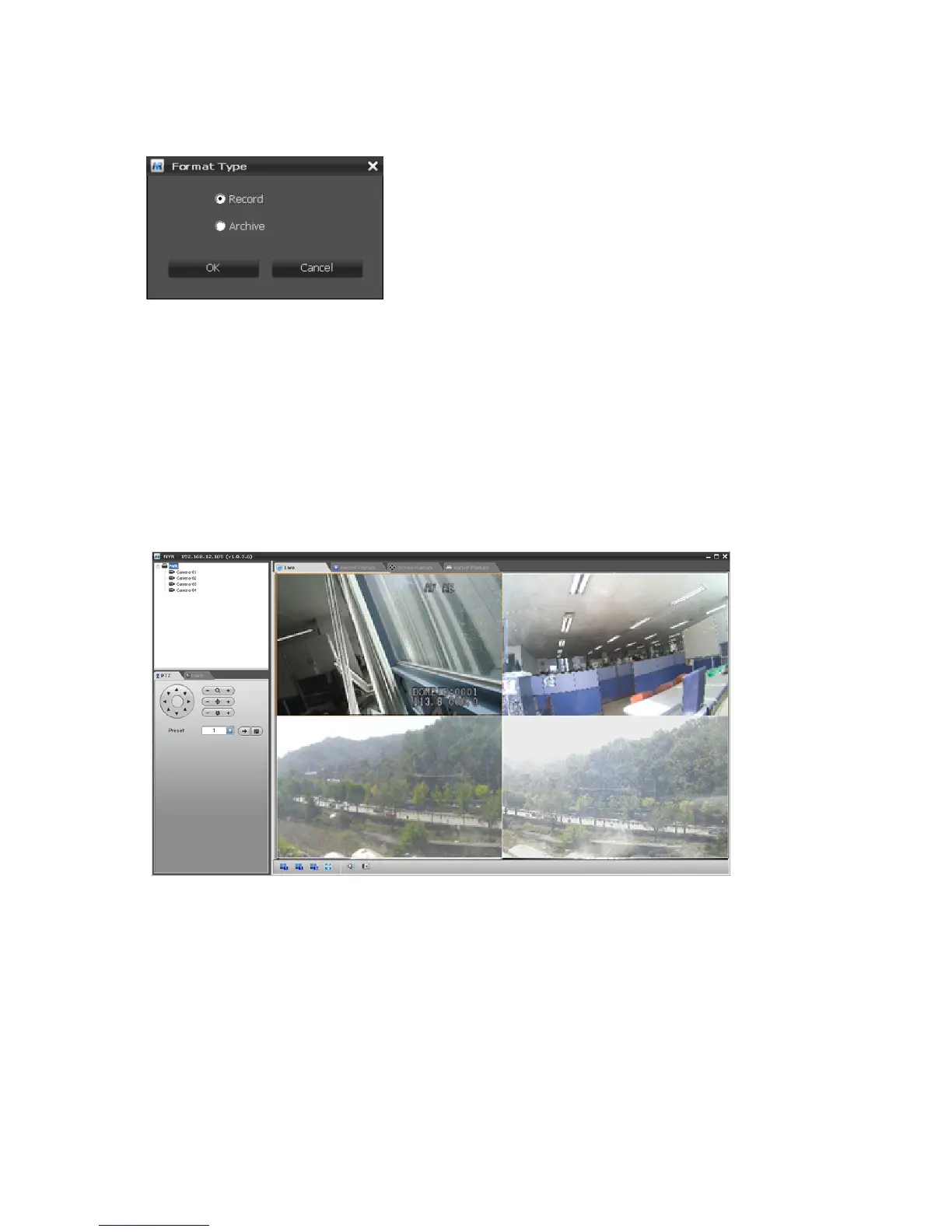
When you click the Format button, the NVR ask you to set the storage to record or archive device. If the
storage is formatted to archiving device, it can be used as a record storage.
Note: Archive records a video to the record storage and copies it
to the archive storage at the same time. The external USB HDD
can be set to backup device only.
Please refer to User’s Manual “5.2 Comprehension about Archive
and BACKUP function” for more information.
If the hard disk installed in the NVR supports S.M.A.R.T. (Self-Monitoring Analysis and Reporting
Technology) monitoring program, the status of the installed hard disk is displayed. The current status
of the Disk S.M.A.R.T. will be displayed in the S.M.A.R.T column. The S.M.A.R.T field displays Good if
the Disk S.M.A.R.T. is good and Bad if it is bad.
The Disk S.M.A.R.T. status is monitored in real-time.
Click the Finish button to exit Setup Wizard window. If you finish Setup Wizard step successfully, the
NVR displays a live screen and starts recording automatically.
Note: In case that you don’t use Easy Installation function, you must register and configure IP cameras
manually for proper operation.



 To Previous Page