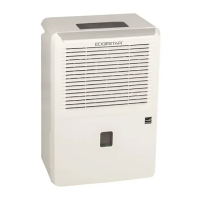
EdgeStar Portable Dehumidifier 4
Control Panel Overview
The check filter feature is a reminder to clean the air filter for a
more efficient operation. The Filter light will illuminate after 250
hours of operation. To reset after cleaning the filter, press the Filter
button and the indicator light will shut off.
Sets the unit to run continuously until the water bucket is full. You
will not be able to use the increase/decrease humidity buttons.
Sets the fan speed from normal to turbo for your desired level of
moisture removal.
Powers the unit on or off.
Increases the desired relative humidity setting for damper air.
Decreases the desired relative humidity setting for drier air.
Press to initiate the auto start and auto stop feature in conjunction
with the increase and decrease buttons.
Lights up to indicate the filter needs to be cleaned.
The water full light will light up red if the unit has filled
the water bucket.
Lights up when the unit is set to run continuously until
the water bucket is full.
Lights up to indicate if the unit is in on or off position.
Lights up to indicate the fan is on the high setting.
Lights up to indicate the fan is on the low setting.
Lights up to indicate the auto defrost operation is on
Displays the level of humidity as well as error codes.
Note: The unit is not a
humidifier; using the increase
humidity button will not add
moisture to the air.


 To Next Page