© 2015 Edgewater Networks. All Rights Reserved. 1
About This Guide
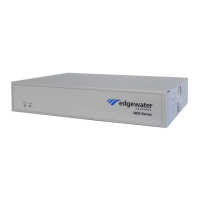
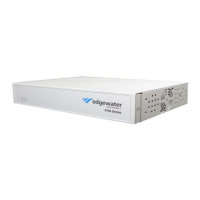
This guide provides an overview of the EdgeMarc™ 4700 Series hardware
components, instructions for installing the device, and how to set up the
EdgeMarc in your network for the first time. It also includes compliance
and certification notices and hardware and software warranty information.
For instructions on using the EdgeMarc VoIP Operation System (VOS)
web-based GUI to configure, deploy, and manage the EdgeMarc, refer to
the EdgeMarc User Guide in the Edgewater Networks Knowledgebase:
www.edgewaternetworks.com/kb
Typographic Conventions
User input is displayed in boldface type and can represent keyboard input,
mouse selections in a browser window, and buttons on the GUI, depending
on the context. For example, the notation File > Open... means that you
first click the File menu and then select Open... from the sub-menu in the
GUI.
Command Line Interface (CLI) text is shown in
courier font.
Notes highlight information that is important or that has special interest.
Tips provide additional information that is helpful in performing a
particular task but is not mandatory to perform the task.
Cautions alert you of actions or events that may cause system damage or
loss of data.
Warnings alert you of actions or events that may cause bodily harm.


 To Next Page
 Loading...