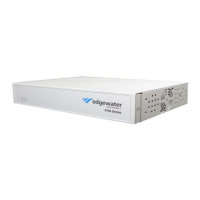
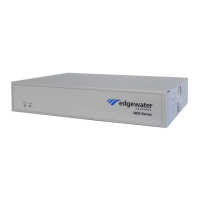
EdgeMarc 4700 Series Hardware Installation Guide
4 © 2015 Edgewater Networks. All Rights Reserved.
EdgeMarc 4700 Series Back Panel
Figure 1-2 shows the back view of the EdgeMarc 4700 Series.
Figure 1-2 EdgeMarc 4700 Series Rear Panel
Table 1-2 defines the EdgeMarc 4700 Series back panel components.
Table 1-1 EdgeMarc 4700 Series LEDs
LED Indicator Description
Power Off Power is not supplied to the device.
Troubleshoot by verifying that the power adapter is
connected to the unit and that power is supplied to the AC
wall outlet.
Solid
Green
Power is supplied to the unit.
Status Off Power is not supplied to the device, or u-boot failed to load.
Solid
Amber
The device is running a self-test and is initializing.
Flashing
Amber
The device is upgrading its software.
Flashing
Green
The device is loading the EdgeMarc VoIP Operation System
(VOS).
Solid
Green
VOS is ready.
Red The device is in the bootloader. The kernel will change the
LED to solid amber once the kernel starts loading.


 To Next Page
 Loading...