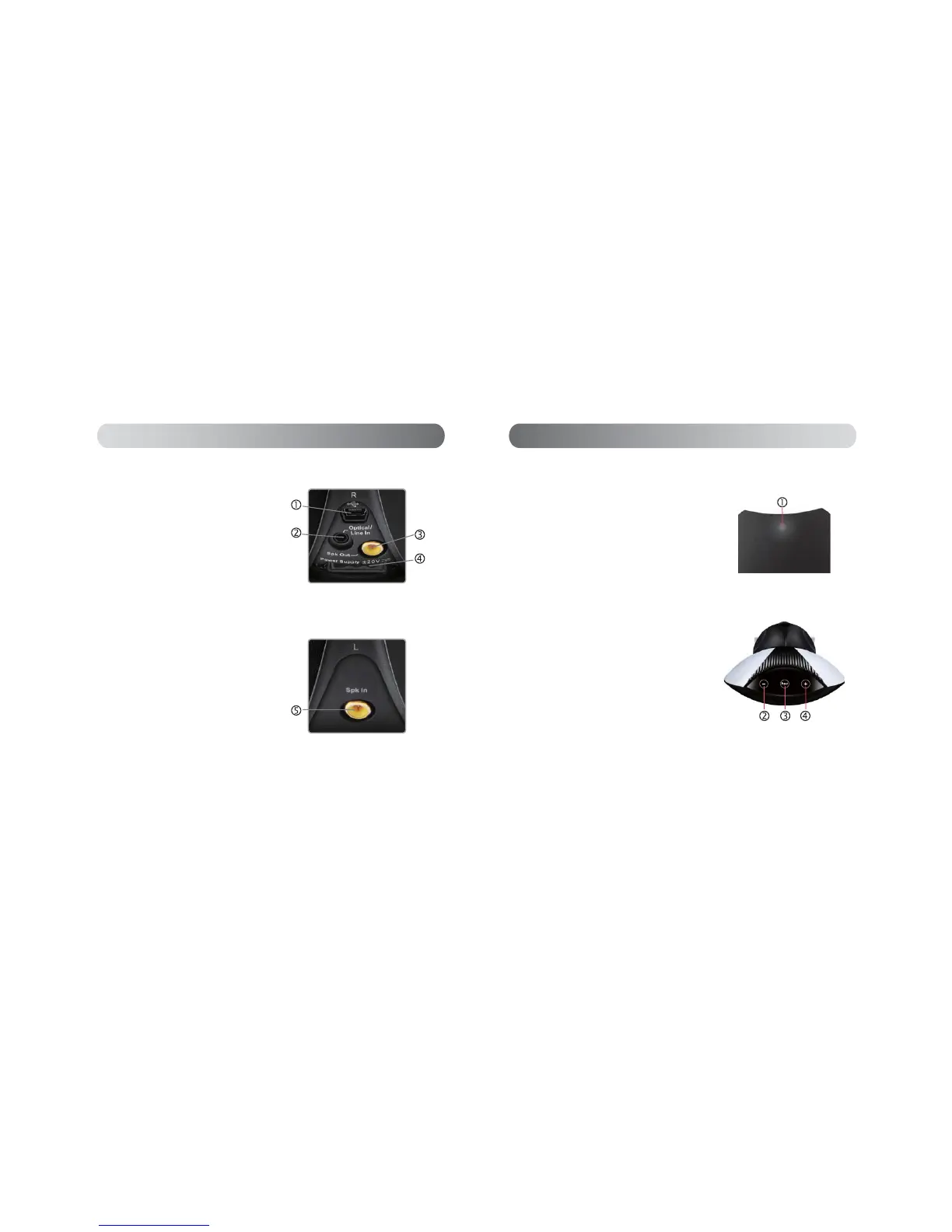
Working mode indicator:
Touch sense panel:
Touch sense panel
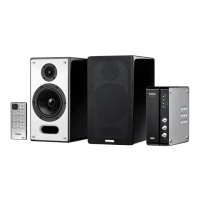
Front view of the active speaker
1, Working mode indicator :
this indicator is lit while the system is in working mode,
RIIZKHQWKHV\VWHPLVLQ67%<PRGH
2, Volume down key
3, “Input”:
touch this key repeatedly to switch among
the 3 input modes: ‘Optical audio input’ (key color red),
¶$X[LOLDU\DXGLRLQSXW·NH\FRORUJUHHQDQG¶86%
streamed audio input’ (key color blue)
4, Volume up key
Illustrations and functional depiction
English
Active speaker:
Passive speaker:
Rear view of the active speaker
Rear view of the passive speaker
0LQL86%LQSXWSRUW
PP2SWLFDO$8;FRPSOH[LQSXWSRUW
$FWLYHVSHDNHURXWSXWSRUW
4. Socket for power adapter
5. Passive speaker input port
Illustrations and functional depiction
English


 To Next Page