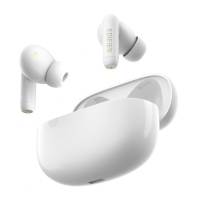
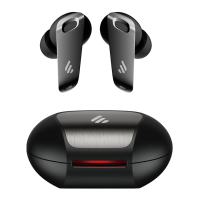
■ Power on/o
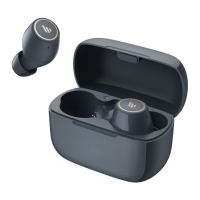
• Power on automatically when taken out of the charging case;
• Power o automatically while placed in the charging case.
●
Automatically
■ Bluetooth connection
• For initial use, take the earbuds out of the charging case and they will auto-on
(the white lights lit for around 2 seconds); then the left and right earbuds will
auto-pair with each other, after pairing is successful, the earbuds will enter
Bluetooth pairing state
(the white and ice blue lights of the earbuds ashing alternately);
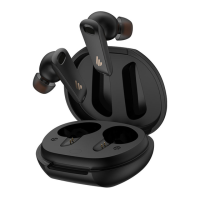
• Set Bluetooth device to search for and connect to "HECATE GM5", after pairing is
successful, the indicators of the earbuds will ash once per around 4 seconds.
●
Two earbuds mode
• If use one earbud only, please take the left or right earbud out of the charging
case, and refer to the procedures mentioned in "Two earbuds mode" to pair
with Bluetooth devices.
●
One earbud mode
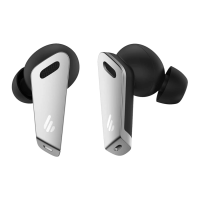
• When powered o, respectively press and hold the touch zones of the left
and right earbuds for around 3 seconds to power on;
• When powered on, respectively press and hold the touch zones of the left
and right earbuds for around 5 seconds to power o.
●
Manually


 To Next Page
 Loading...