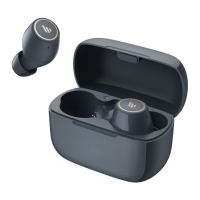
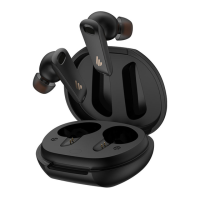
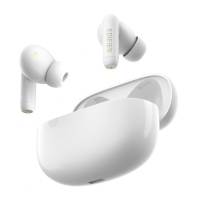
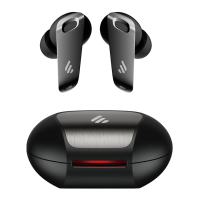
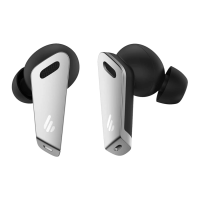
• Take the earbuds out of the charging case, they will auto-connect to the
Bluetooth device connected last time.
• When the earbuds are disconnected from Bluetooth device for not at the
eective distance, they can auto-connect to the Bluetooth device again if
return to the eective distance within 5 minutes.
●
Reconnect automatically
The left and right earbuds have nished TWS pairing before leaving factory.
If the wireless connection fails to resume, please follow the steps below to
re-pair:
• After powered on, simultaneously double click the touch zones of the left
and right earbuds to start TWS pairing(the white lights of the earbuds ashing
in a breathing pattern);
• After TWS pairing is done, the earbuds will enter Bluetooth pairing state
(the white and ice blue lights of the earbuds ashing alternately).
• Please refer to the procedures mentioned in "Two earbuds mode" to pair
with Bluetooth devices again.
●
TWS pairing of the left and right earbuds


 To Next Page
 Loading...