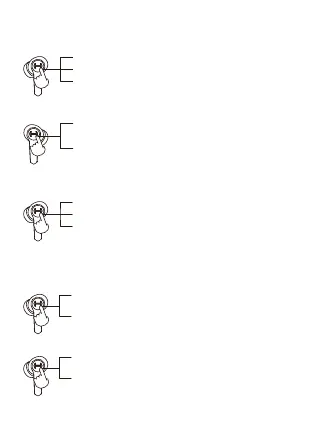
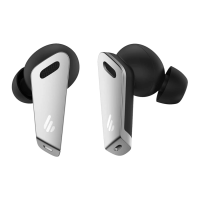
Music playback mode
Low-latency game mode (when the right earbud is in Music mode)
Call mode (same operation for the left and right earbuds)
Voice assistant
Earbuds light effects on/off
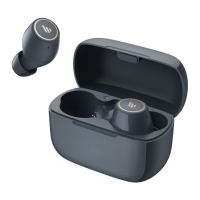
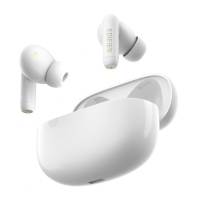
Pause/play: double click either of earbuds
Previous track: press and hold the left earbud for around 2 seconds
Next track: press and hold the right earbud for around 2 seconds
Accept a call: double click either of earbuds
End a call: double click either of earbuds
Decline a call: press and hold either of earbuds for around 2 seconds
Except when you are in a conversation, triple clicking the touch zone of the left earbud can
enable the voice assistant function (please ensure the connected Bluetooth device support this
function).
Enable voice assistant: triple click the left earbud
Disable voice assistant: triple click the left earbud
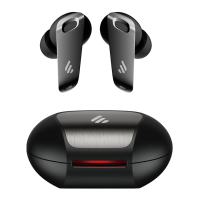
Light effects off: quadruple click either of earbuds
Light effects on: quadruple click either of earbuds
Triple click the right earbud (prompt tone: Game mode),
the ice blue light flashes in a breathing pattern
Triple click the right earbud (prompt tone: Music mode),
the white light flashes in a breathing pattern
Note: It is music mode by default when leaving factory.
Note: The light effects is turned on by default.
■ Functional operation


 To Next Page