31
WARNINGS AND DIAGNOSTIC MESSAGES (continued)
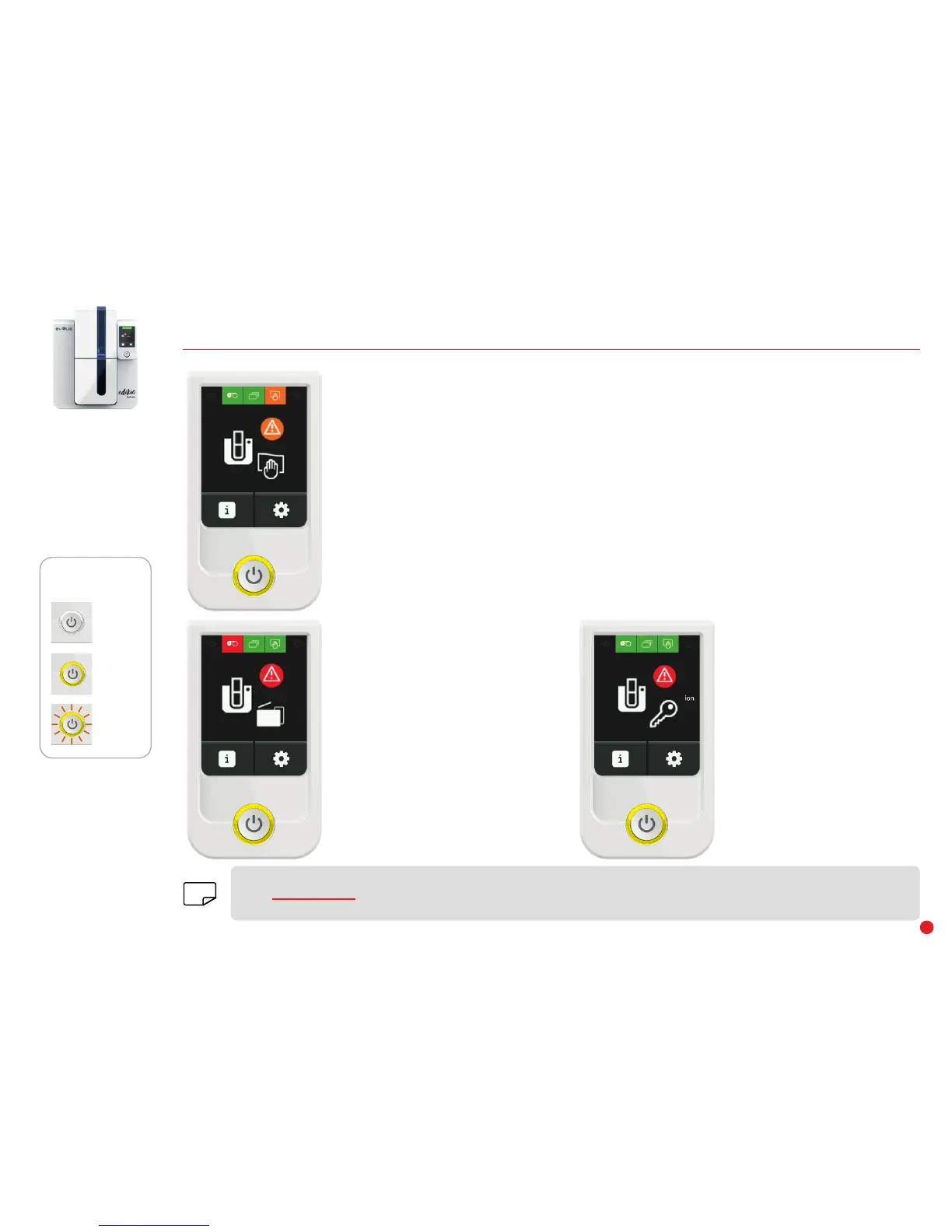
OFF
STEADY LIGHT
FLASHING
CONTROL BUTTON
STATUS
CLEANING
The message shown opposite will be displayed several times after
a certain number of cards have been inserted so that you do not
invalidate the warranty for your printer.
• Routine cleaning required.
Your printer needs to be cleaned.
• Mandatory routine cleaning.
Clean the printer immediately. If you choose to continue printing,
the print head warranty will be void.
PRINTER
• Communication locked.
Communication with the printer
is locked, you cannot print. Please
contact your Edikio by Evolis reseller.
PRINTER
• The printer cover is open.
Close the cover. Printer ready.
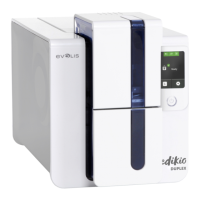
The Edikio Duplex printer has an LCD touchscreen. Please refer to the LCD screen user guide on how to operate it.
Go to www.evolis.com and under Drivers & Support, select your Edikio printer model and click on the "Manual and Documentation"
tab. Click on the LCD User Guide to download it.
NOTE


 To Next Page