English.
Installation & Setup
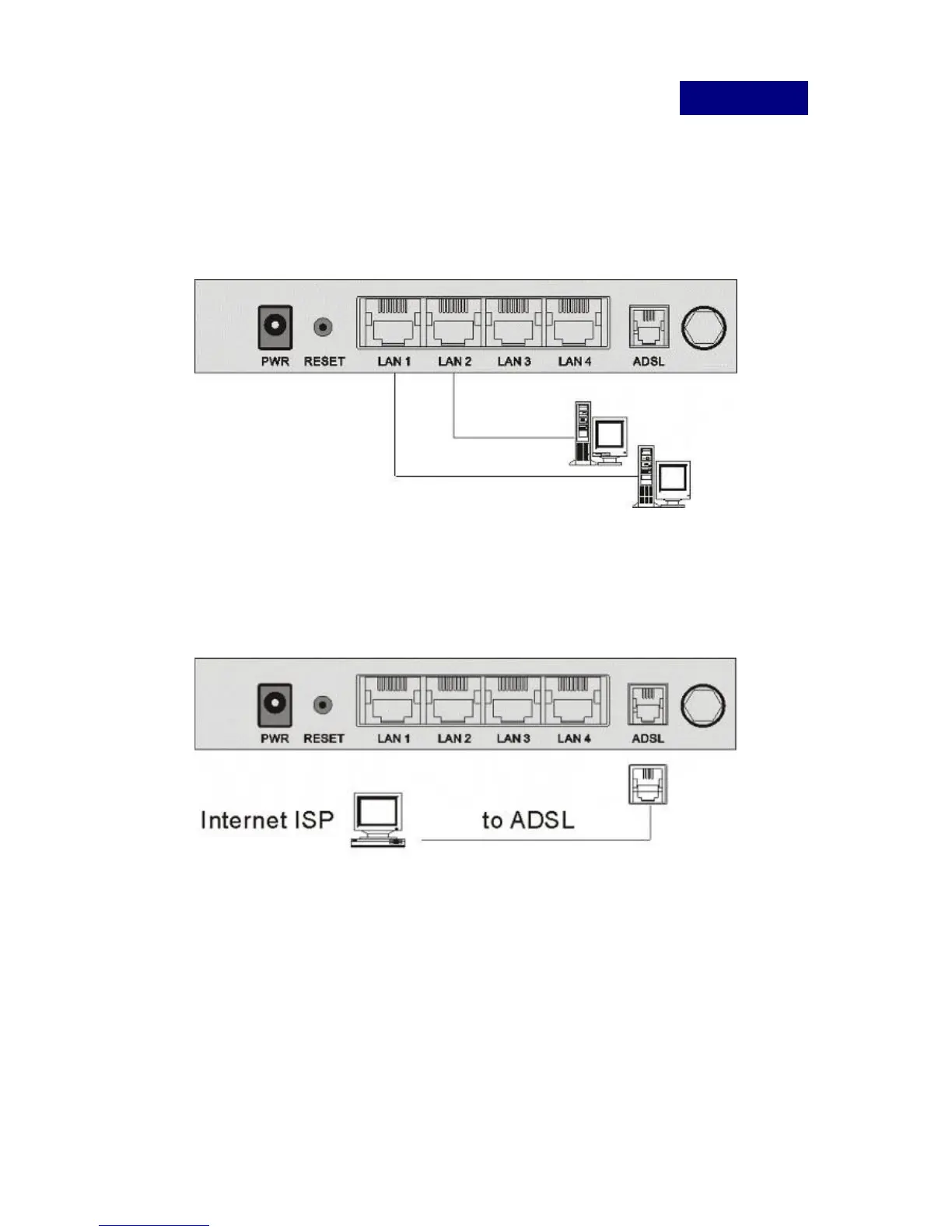
LAN Connection:
Connect an Ethernet cable from your PC's Ethernet port to the
LAN port of the ADSL2+ Router.
WAN Connection:
Connect the telephone cable from your home's telephone jacks to
the ADSL port of the ADSL2+ Router.
Power Adapter Connection:
Connect the power adapter to the power inlet and turn the power
switch on from the front panel of the ADSL2+ Router.



 To Next Page