Configuring with Web Browser
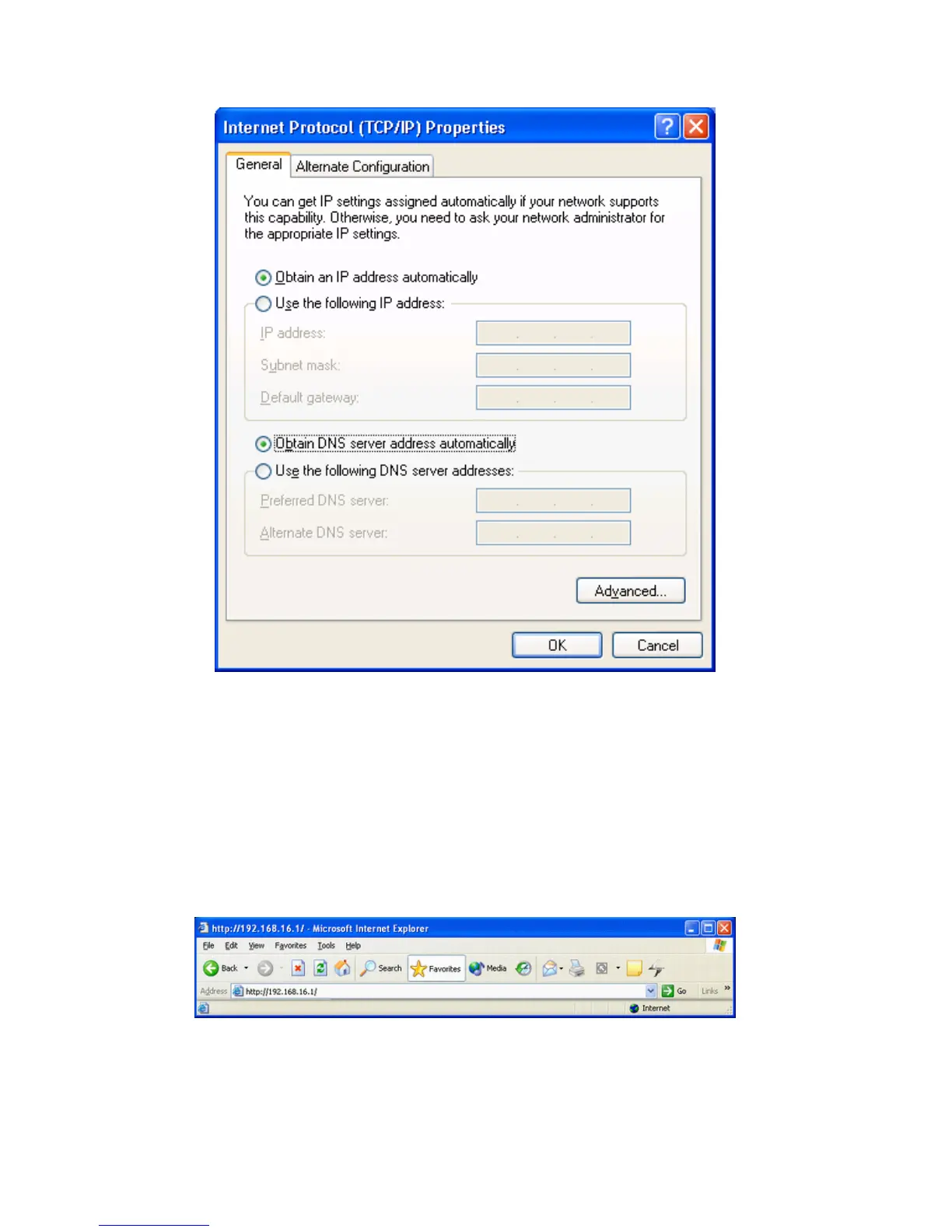
1. Open web browser and type http://192.168.16.1 in the
browser's address box. This number is the default IP address
for this device. Press Enter.
2. A user name and password prompt will appear.
The username is 'admin' and password is 'admin'.



 To Next Page