BR-6641 User Manual
54
4.1 Firewall
[Summary] is in the submenu of [System], which helps the Administrator to know the
system information. While logging in the Web UI, System/Summary is the first page
you see when you log into BR-6641’s web-based UI.
[Summary] provide the following information:
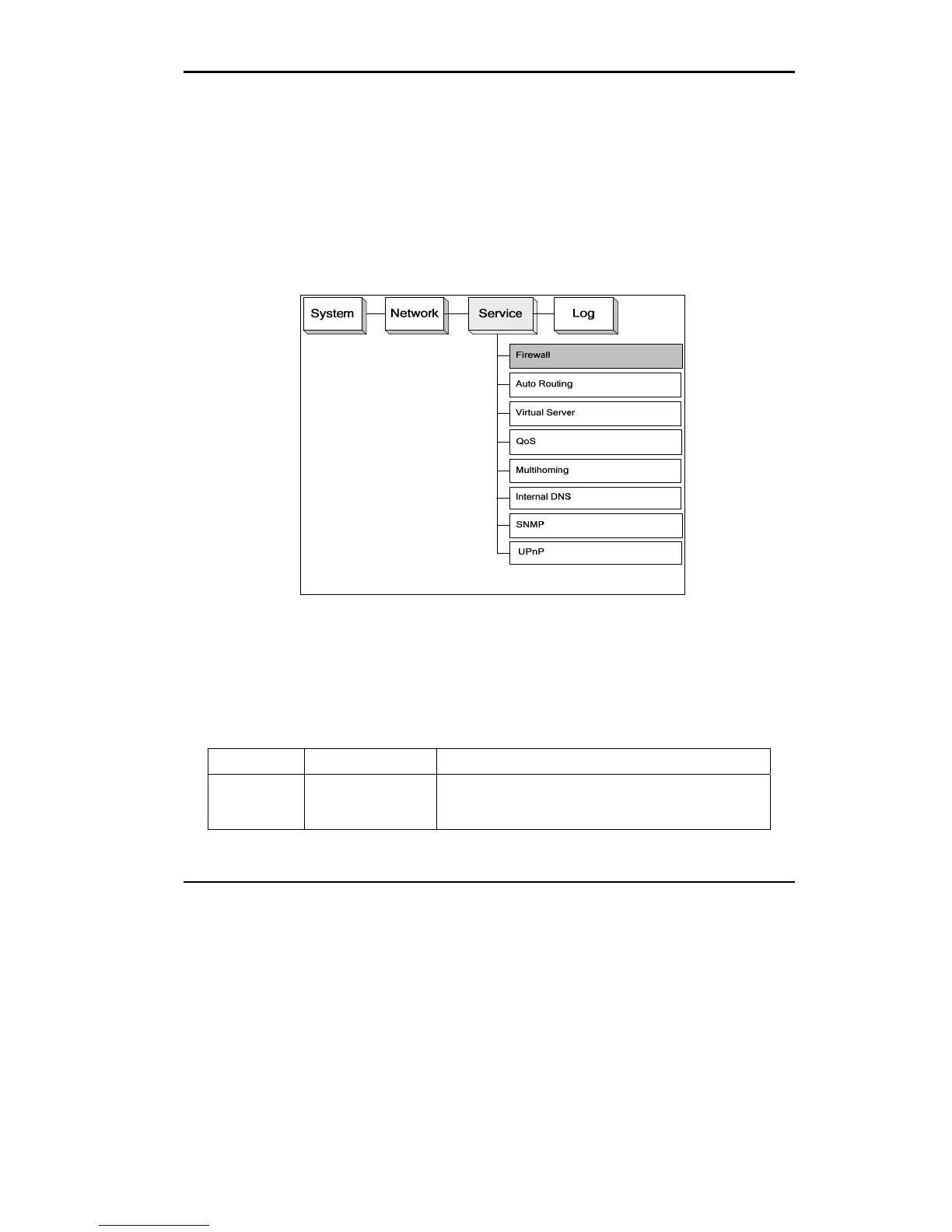
Figure 4.2 The Location of “Service/Firewall” on the Menu Bar
You can add as many rules as you like in the list. For each rule, you can enable or
disable it individually. The rules are matched from top to down, that is, the rules
listed at the top of the list are given higher precedence.
Field Value Description
When Busy
Idle
All-Time
There are three options available: Busy hour, idle hour, and
All-times. Please refer to Chapter 2 [System]→[ Date/Time]
for setting up the definition of busy or idle hours.















 To Next Page